Open your product feeds
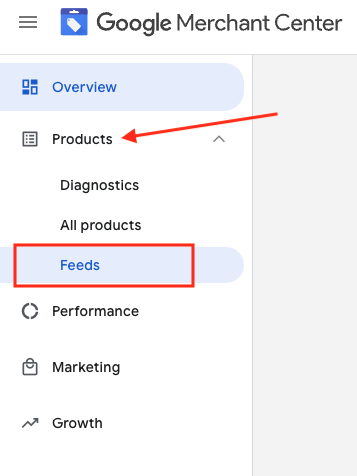
1. Log into your Google Merchant Account 2. On the left side, navigate to “Products” and go to “Feeds”
3. Find the feed you would like to check and click on the feed name in blue
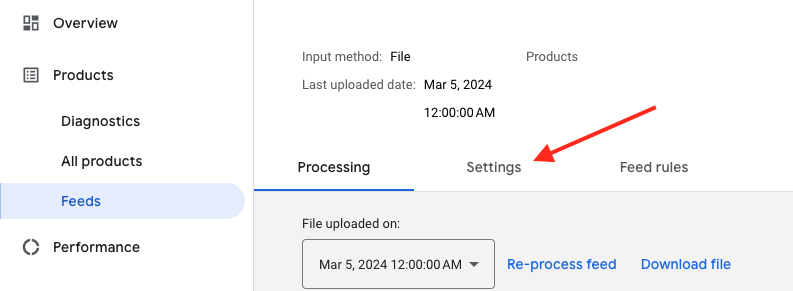
4. Go to the Settings tab.
Get the feed File URL
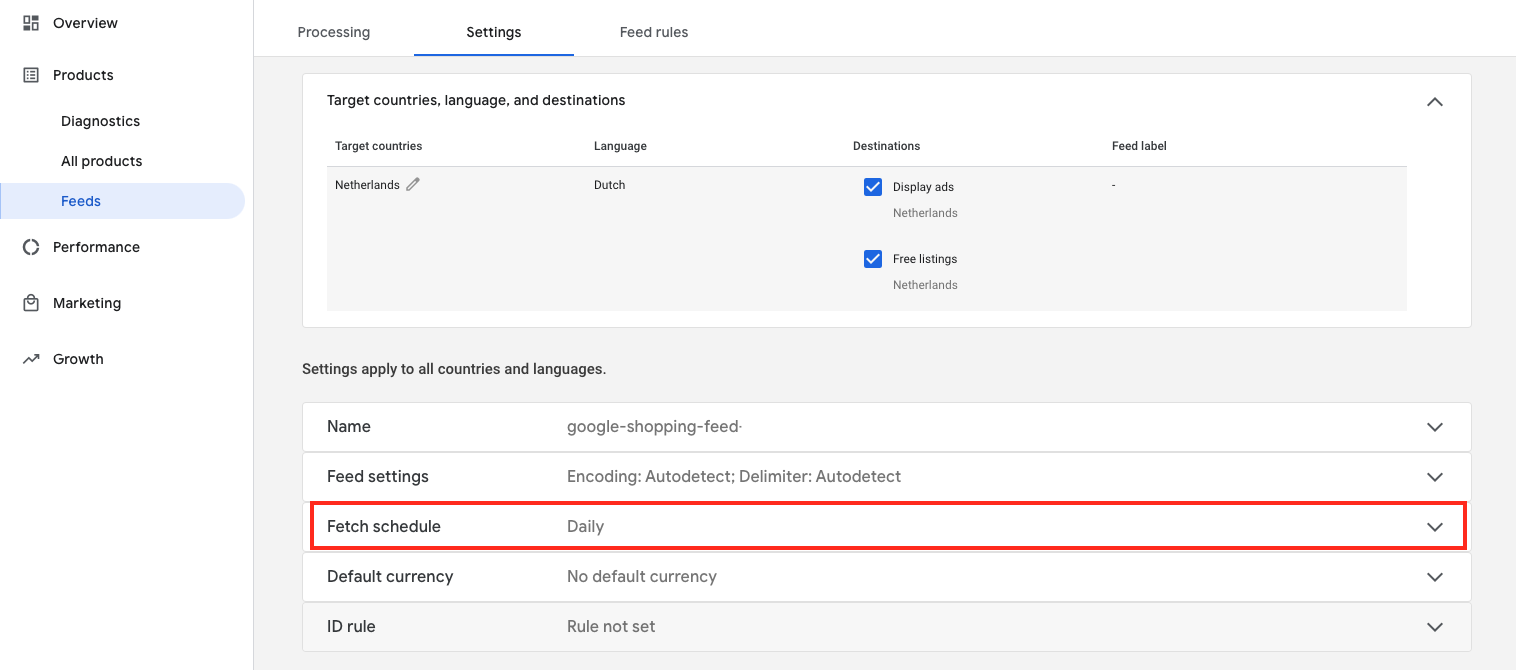
5. Scroll down and click “Fetch schedule”
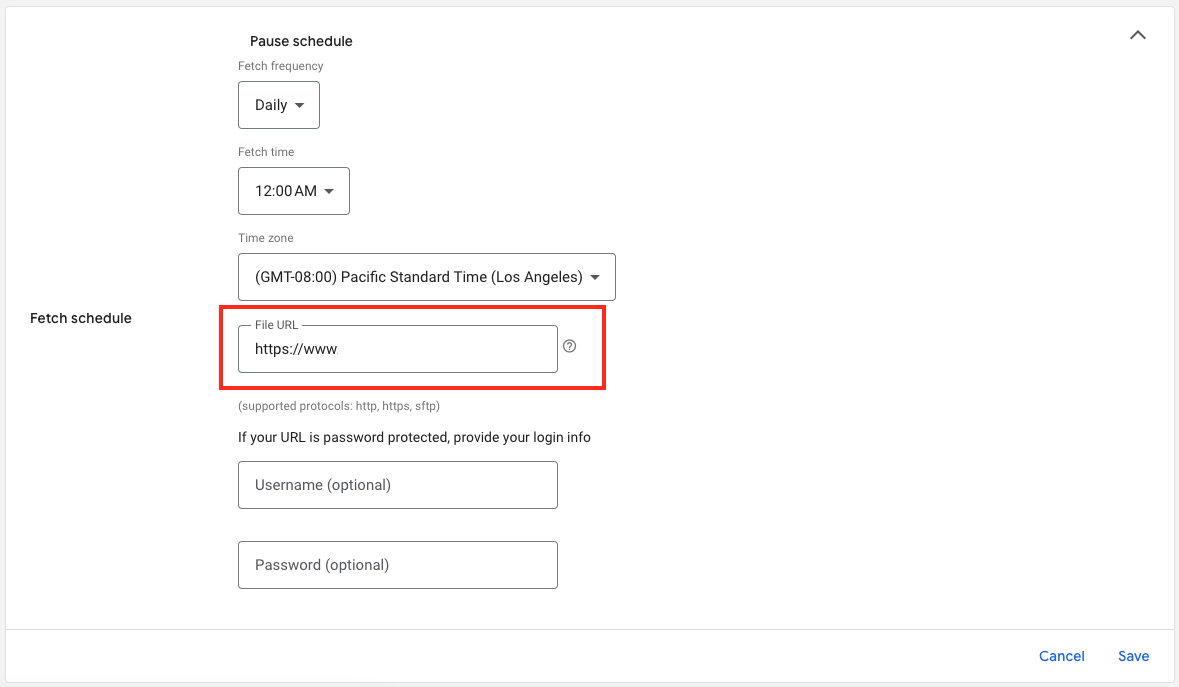
6. And here’s your feed File URL: