Introduction
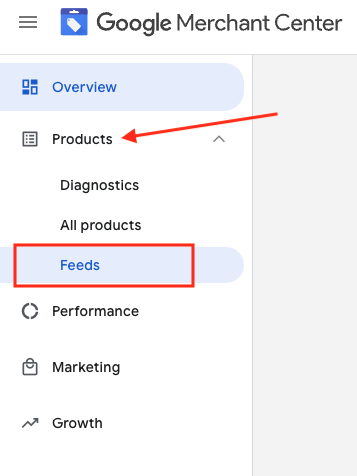
1. Accedi al tuo Google Merchant Account 2. Sul lato sinistro, vai su "Prodotti" e poi su "Feed"
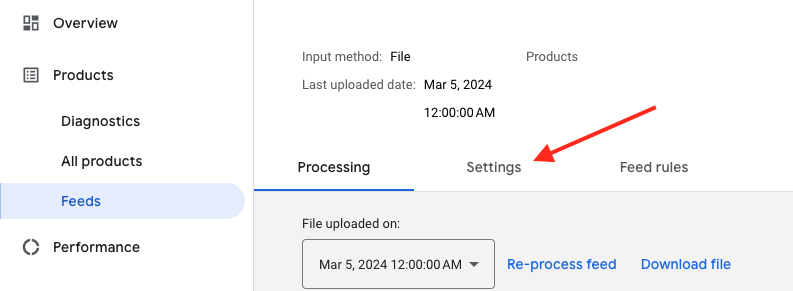
3. Trova il feed che desideri controllare e fai clic sul nome del feed in blu
4. Vai alla scheda Impostazioni.
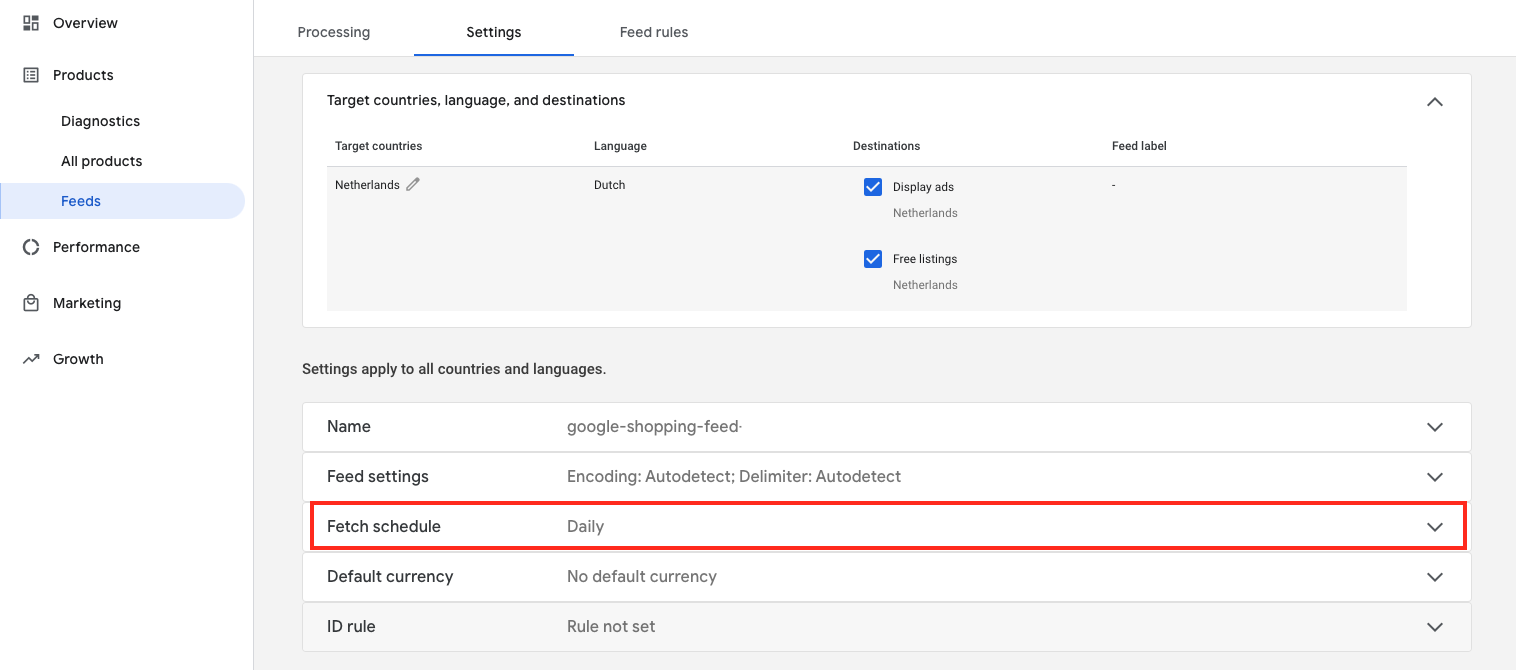
5. Scorri verso il basso e fai clic su "Recupera pianificazione"
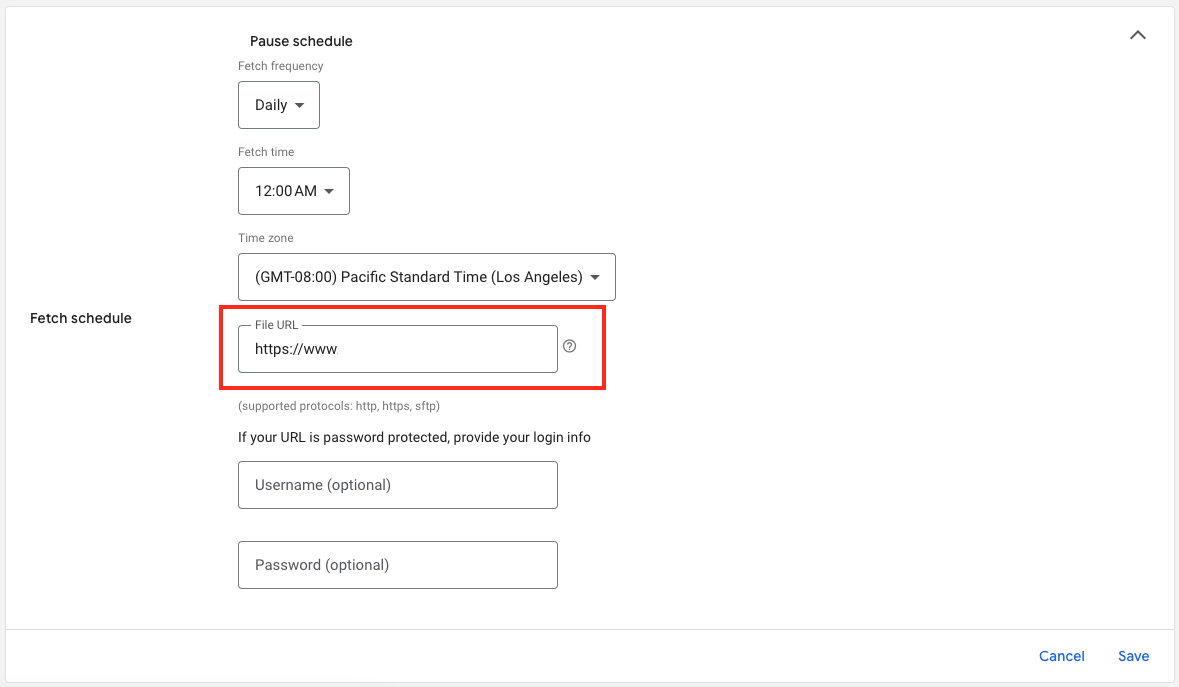
6. Ecco l’URL del file del tuo feed: