Introduction
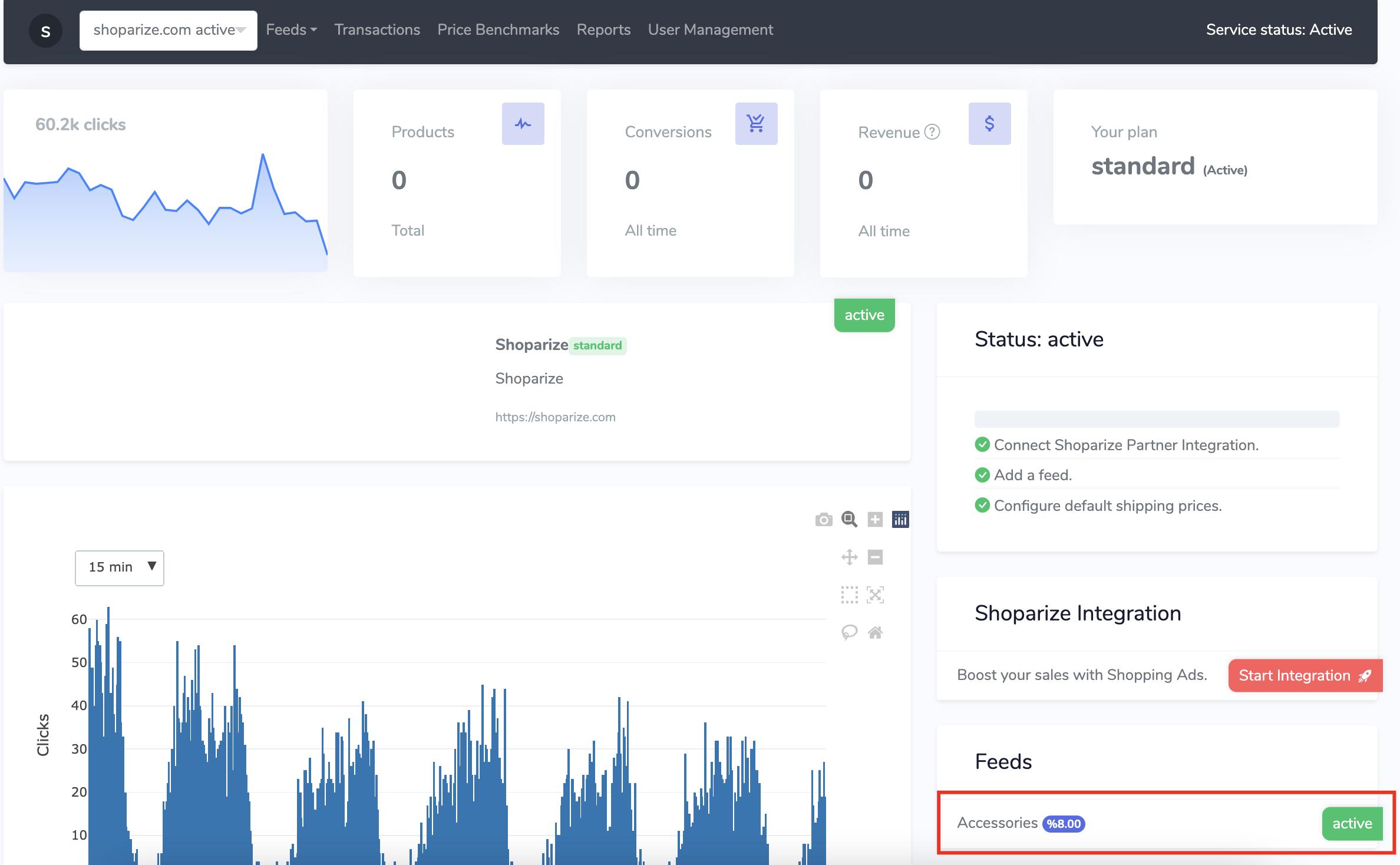
You can set a specific commission rate for a specific feed. For example define %8 commission for your accessories feed and %10 for your clothing feed.
Navigate to https://partner.shoparize.com
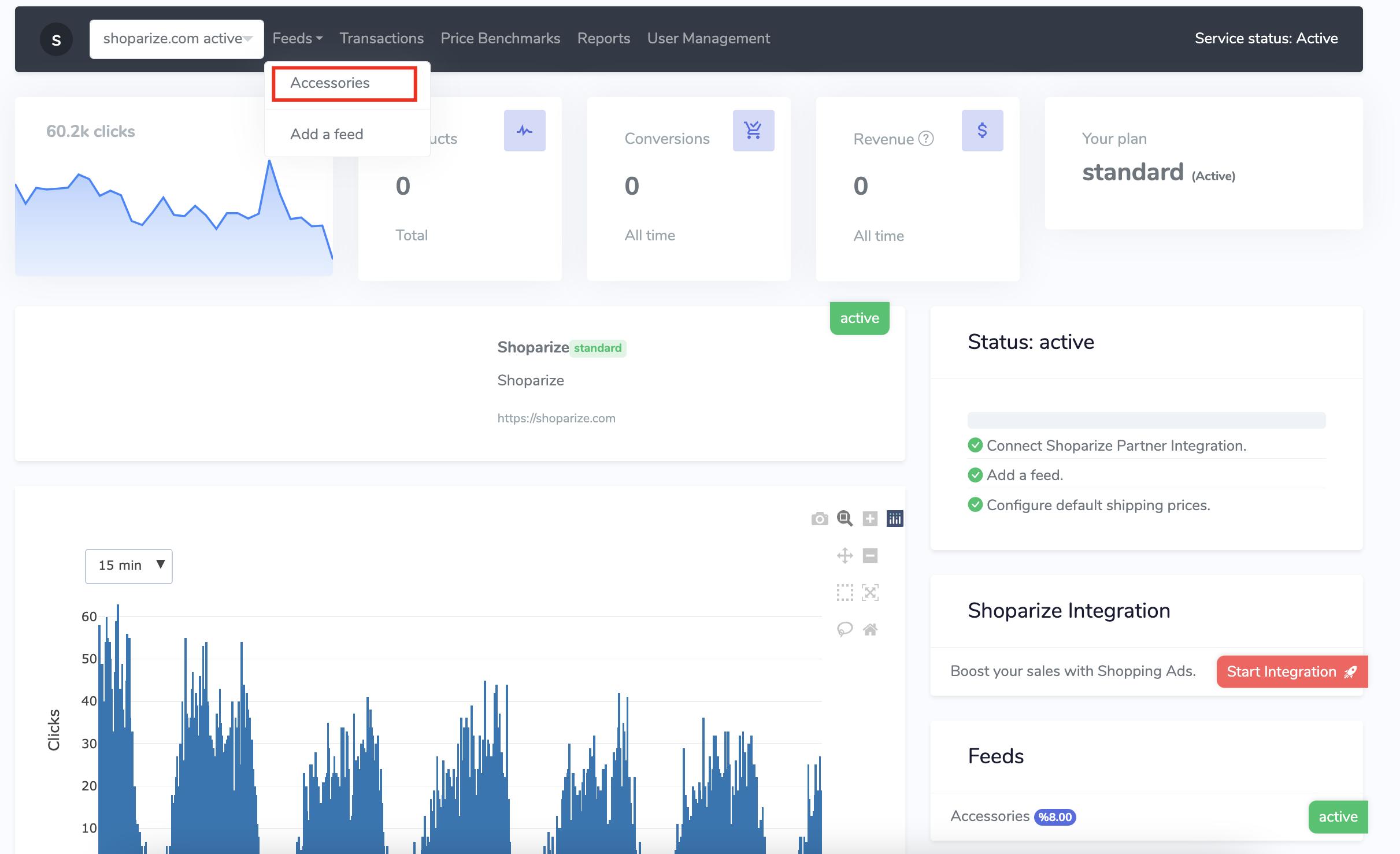
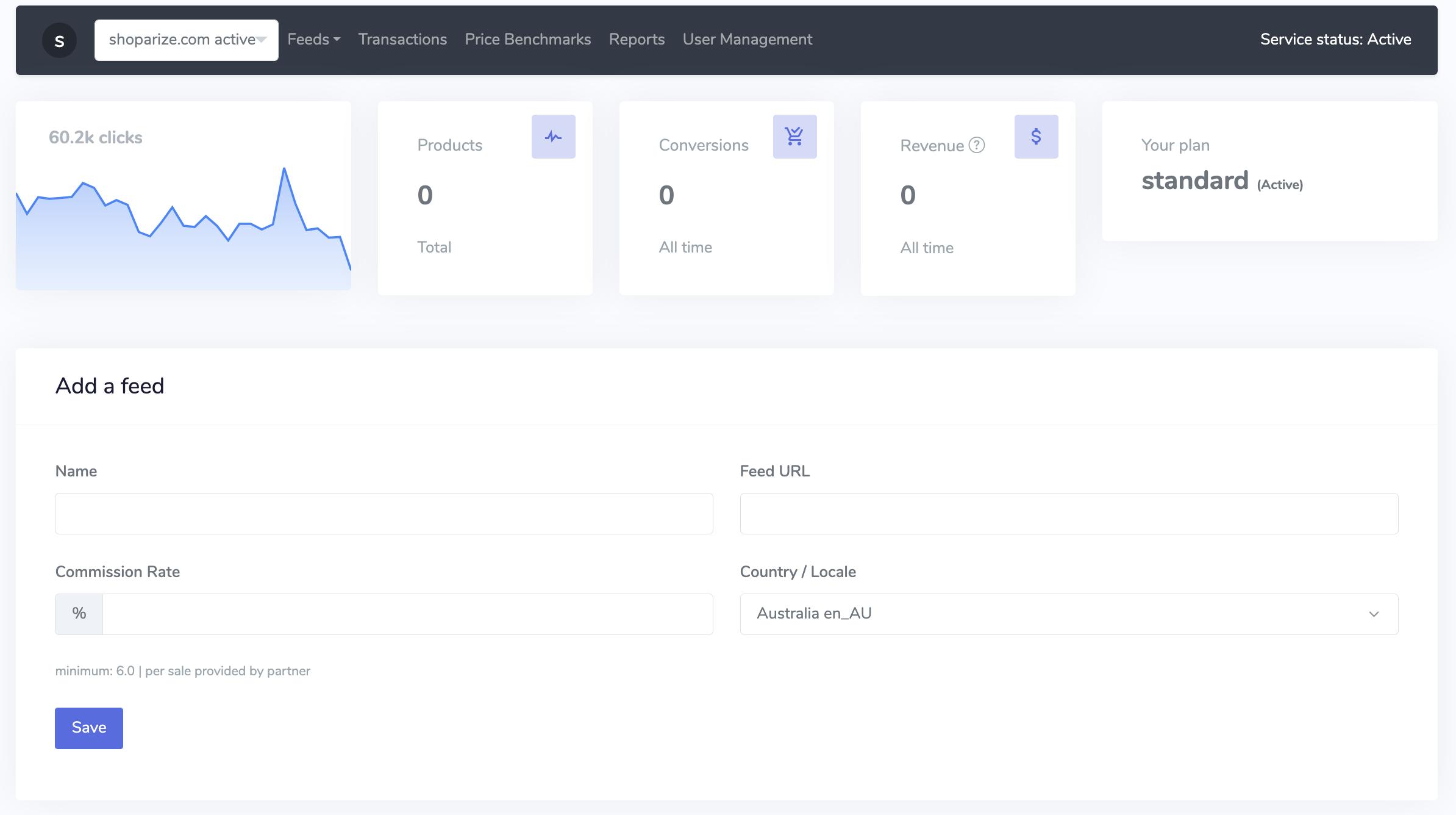
On your partner dashboard click on “Feeds” and on the pop up menu click on the desired feed category or add a new feed.
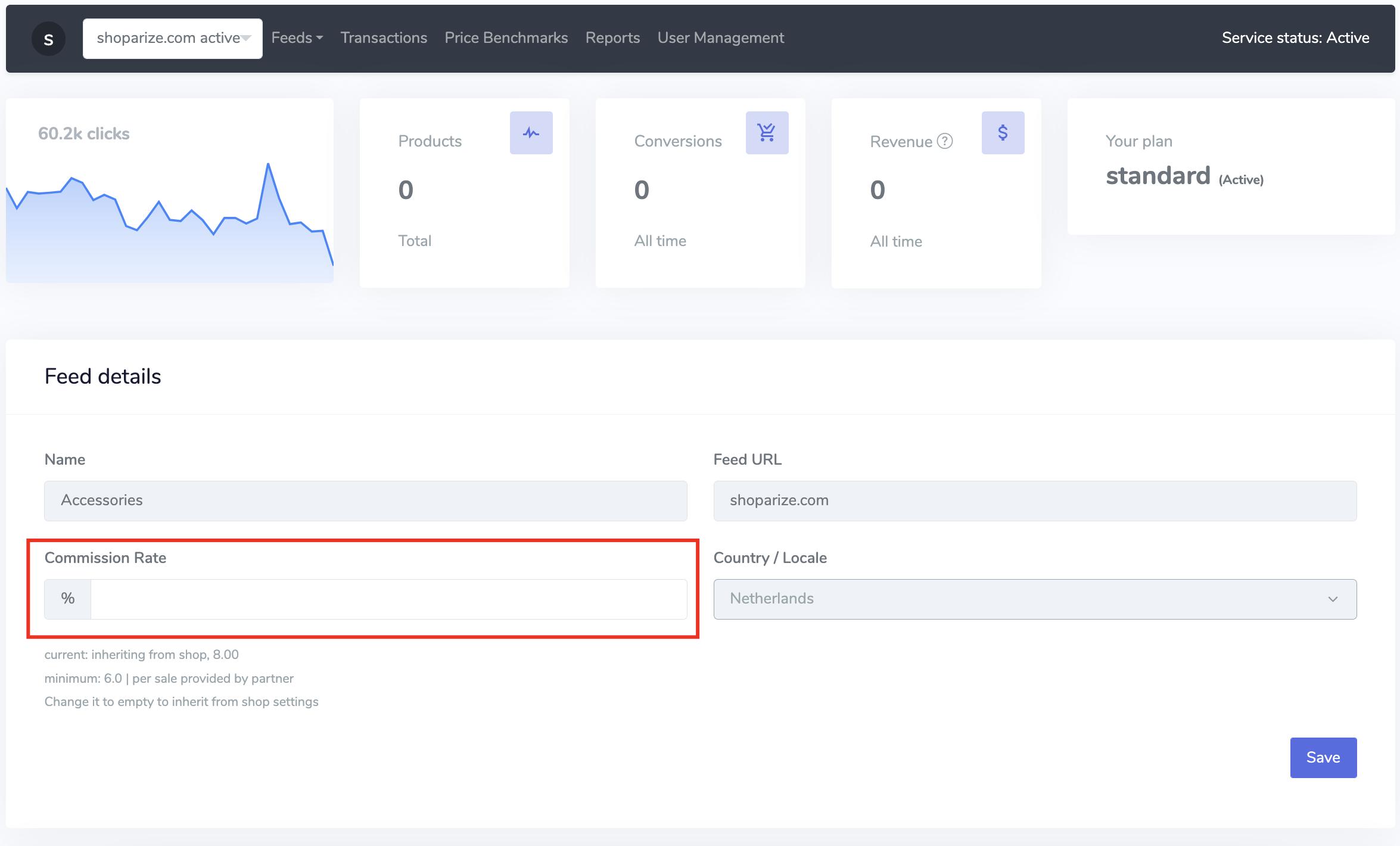
In the feeds detail section you can write the commission rate and click on the save button to save the preference. Please note that this commission rate is feed specific. If there is no commission rate is entered for the feeds, shop’s commission rate is applied.
On your dashboard you can see the feed and the commission rate in the feeds section