Introduction
A shopper’s decision to visit a store depends on knowing whether the right product is available at a nearby location. A product search alone does not establish which store carries it or whether that store is open. Shoppers can find in-store products through Google Search and Shopping, then check availability and store details before making the trip.
What are Google Local Inventory Ads?
Google Local Inventory Ads are paid placements that show nearby shoppers a retailer’s in-store products and store information. They sit alongside free local listings in Google’s local inventory program, so an ad campaign is not the only route to visibility.
A product’s appearance at a particular location depends on the retailer’s store-level inventory data. Program availability also depends on the region: Google supports both ads and free local listings in the US and UK, but the two programs have different regional lists.
How do shoppers see my in-store products on Google before they visit?
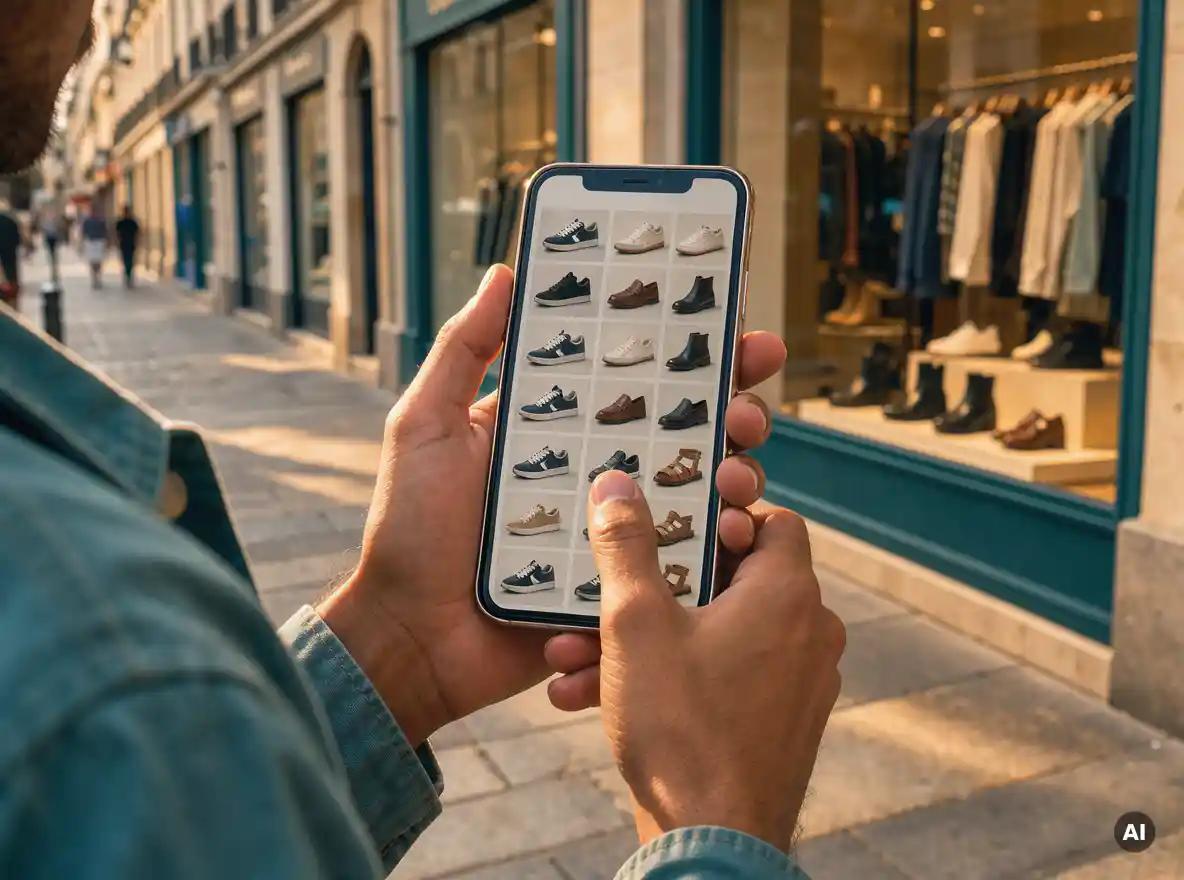
A shopper searching for a product can encounter a local inventory ad or free local listing and see which nearby store carries it. They can then check the store’s address and hours through its Business Profile on Google Search or Maps. Pickup and delivery information can help them decide whether a visit is necessary.
The retailer’s website does not have to display inventory for every physical location. When it lacks that information, Google can display the store’s inventory on a Google-hosted page. That gives shoppers a way to check the item and the location before they travel, provided the underlying inventory and store details are up to date.
Do I have to pay to show my in-store products on Google, or is there a free option?
No. Free local listings let retailers show in-store products to nearby shoppers without buying local inventory ads, where the program is supported. Paid local inventory ads are the alternative for retailers that want to advertise those products; both routes depend on accurate local inventory data.
There is also a setup choice within the free route. Eligible retailers in the US, UK, Ireland, and Canada can use Google’s local inventory app to add in-store products automatically for free. Google’s free Pointy tool can connect to an existing point-of-sale system to add products to a Business Profile. These tools address how products are added; they do not remove the need to keep availability accurate.
What setup or product data does Google need for my local products to show up?
The product ID must match in both sets of data and be no more than 50 characters; if the same item is sold at several locations, it needs a separate inventory entry for each store code. Store-specific details, such as availability, price, or quantity, can differ while the product ID remains the same.
Supply the required local attributes for each relevant store, including a supported availability value. A missing required attribute can prevent the item from appearing in ads or free listings. After linking a Business Profile to Merchant Center or changing a store code, allow time for the location to sync: Google recommends uploading the inventory feed 24 hours later. This is a practical reason to verify store codes before concluding a newly uploaded product is missing.
How can I tell whether my Google ads are driving store visits?
If your account is eligible, Google Ads store-visit conversions can show which campaigns and devices are associated with visits to physical locations. The figures are anonymous, aggregated estimates extrapolated to a broader customer population, not a count of everyone who enters a store.
Use those estimates to assess paid ad activity, while keeping their scope clear. They are not visits attributed to free local listings, and they should not be read as proof that every reported visitor saw a particular product.
Accurate local data connects search to a store visit
Google Search and Shopping can make nearby inventory visible through free listings or paid ads, while Search and Maps give shoppers store details to check before visiting. For a retailer, the continuing responsibility is to keep product availability and location information up to date so that the decision to visit rests on what the store actually has.