Install the Shoparize plugin
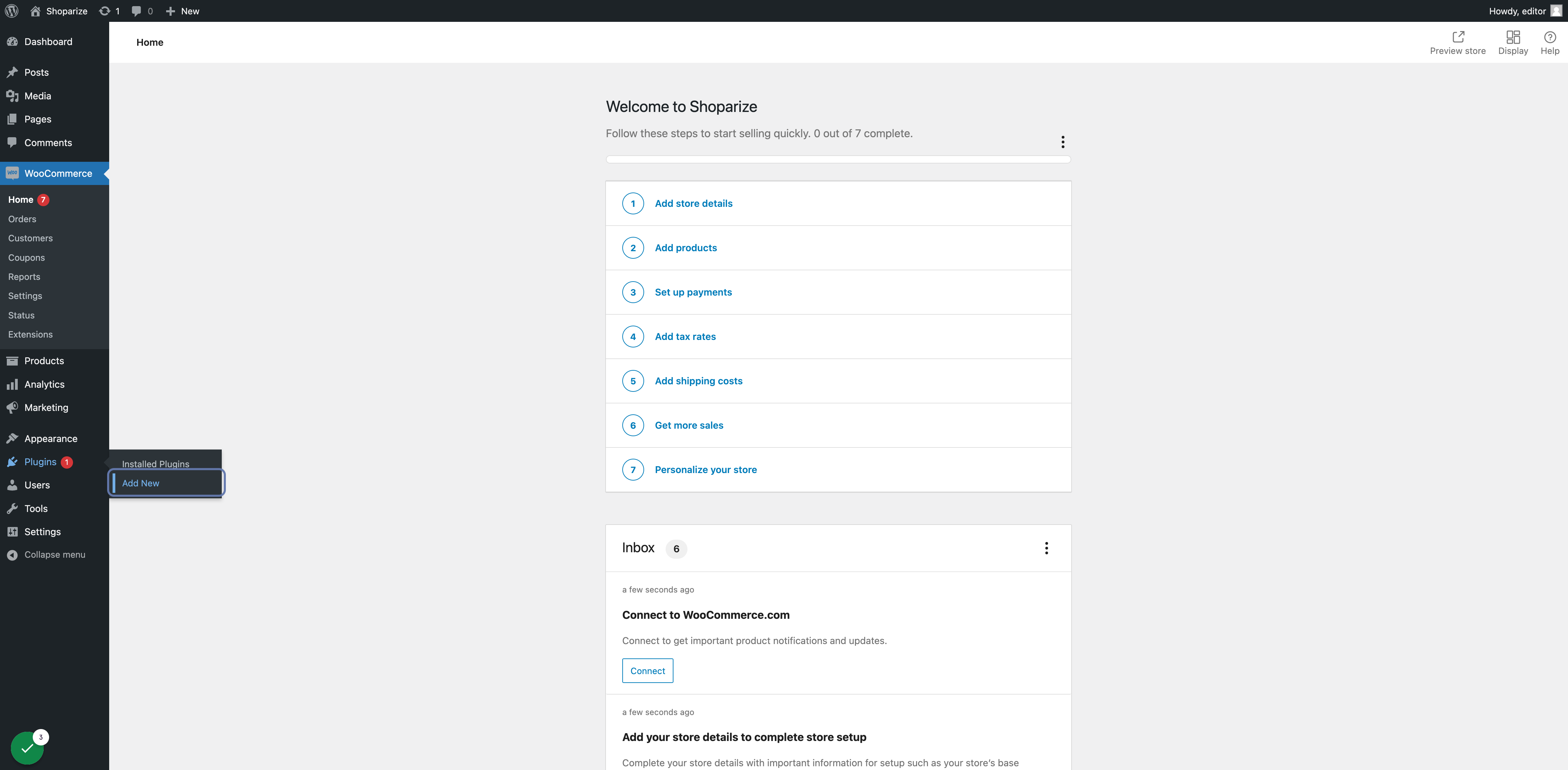
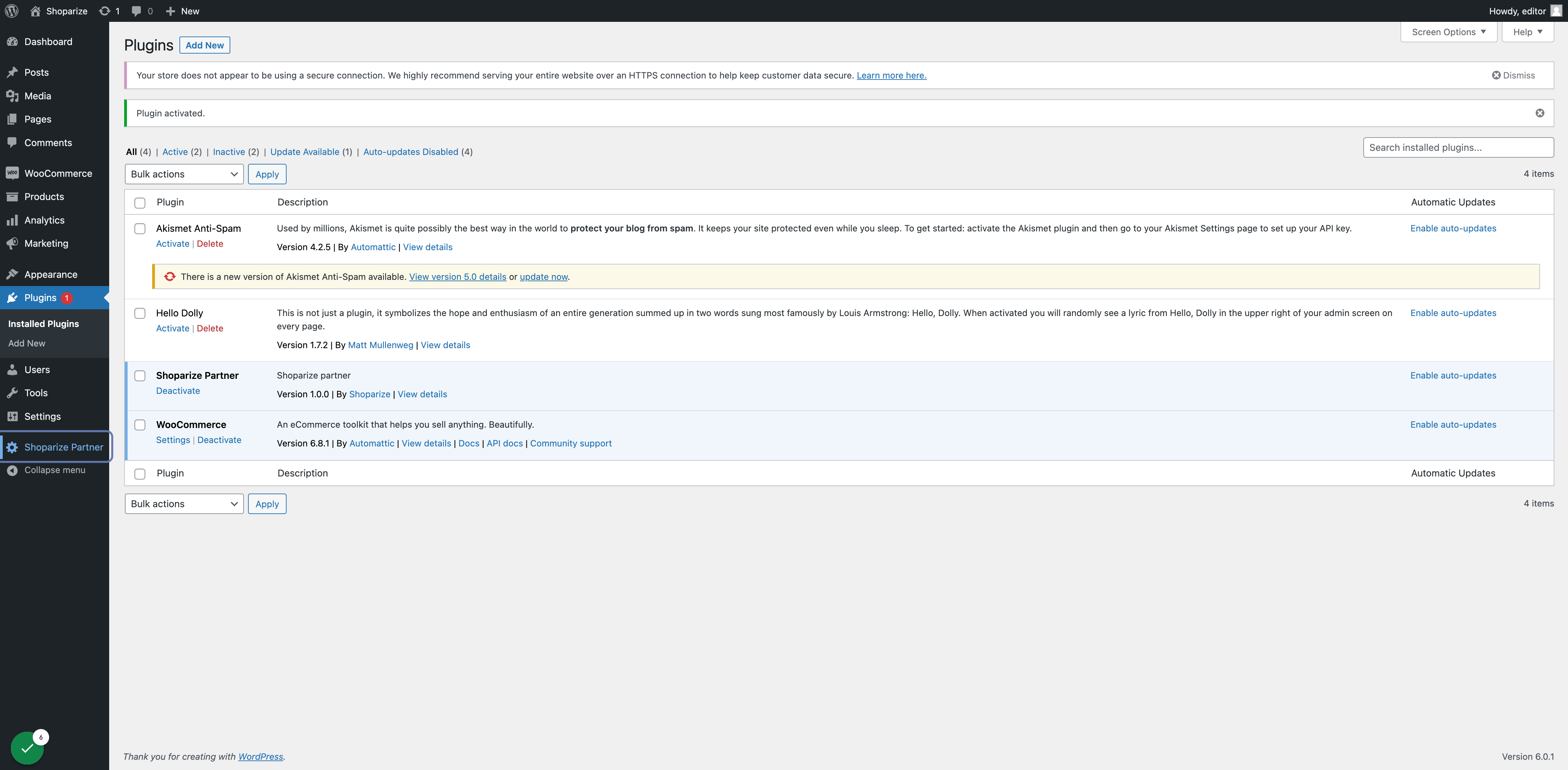
1. On WooCommerce Admin click on Plugins -> Add New from the side menu
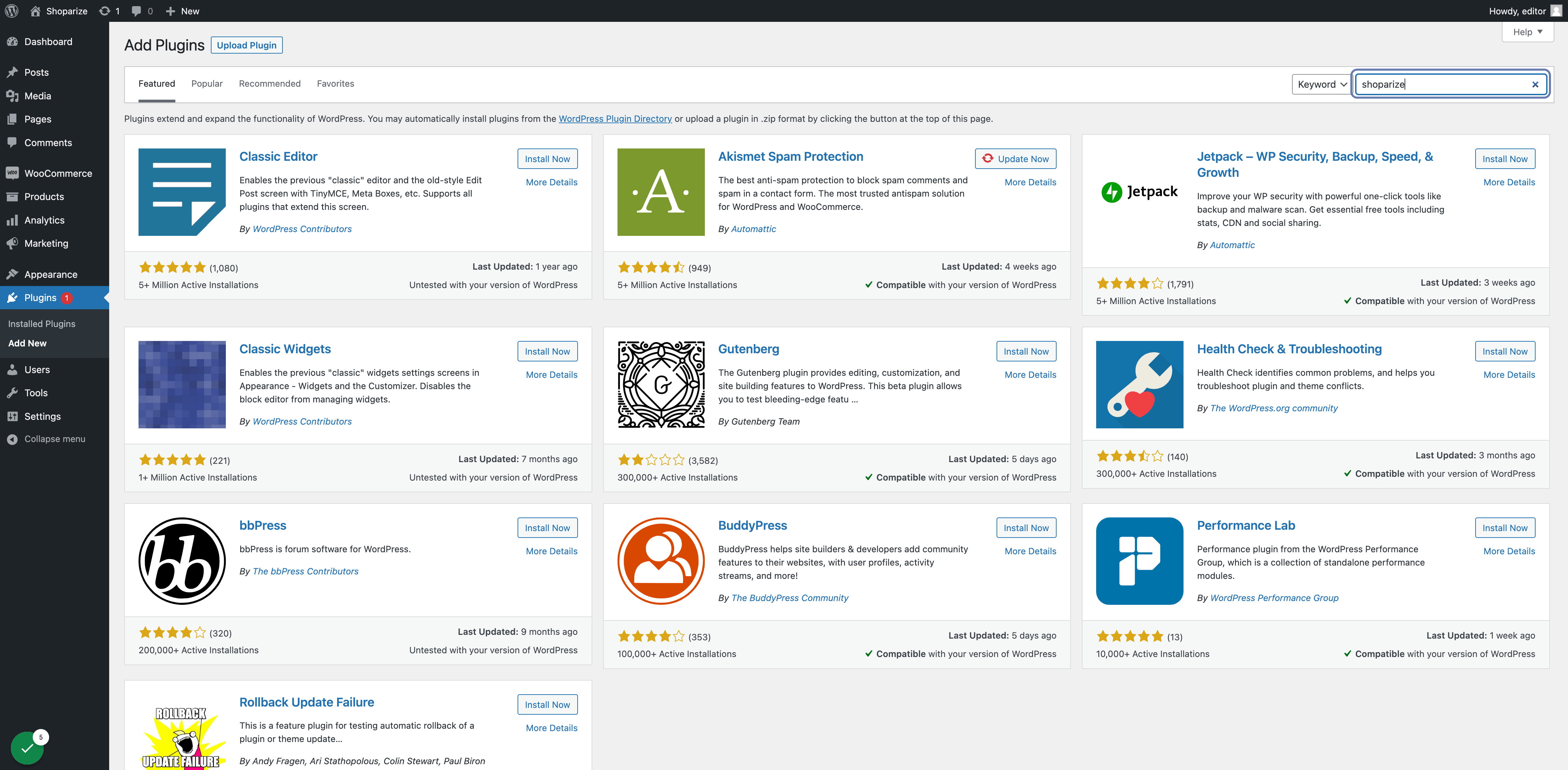
2. Type shoparize at the search box
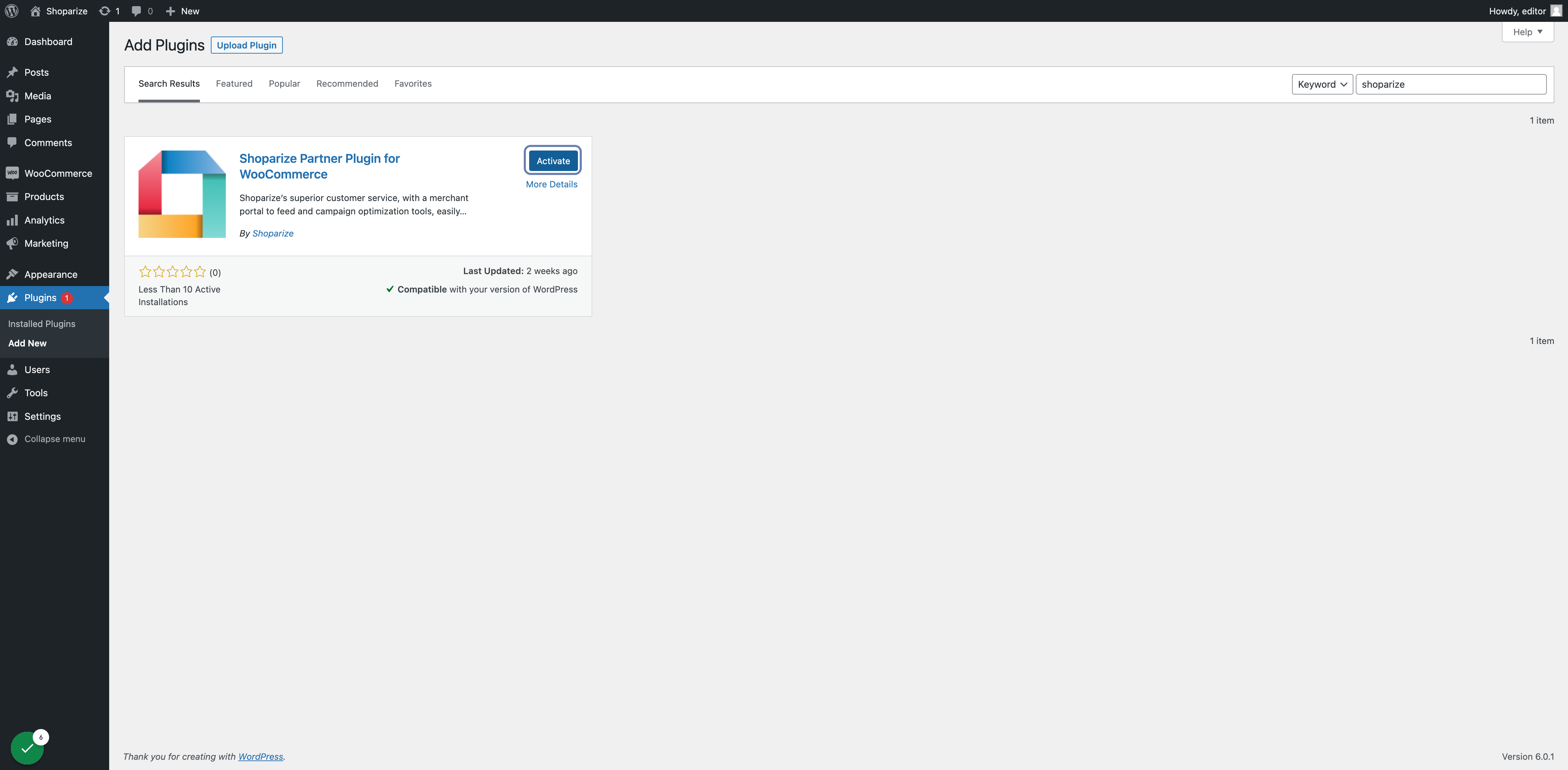
3. Find Shoparize plugin in the search results and click on Install Now and when installed click on Activate
4. Click on enable auto-updates for having the latest updates and functionalities

Enter your Shop ID
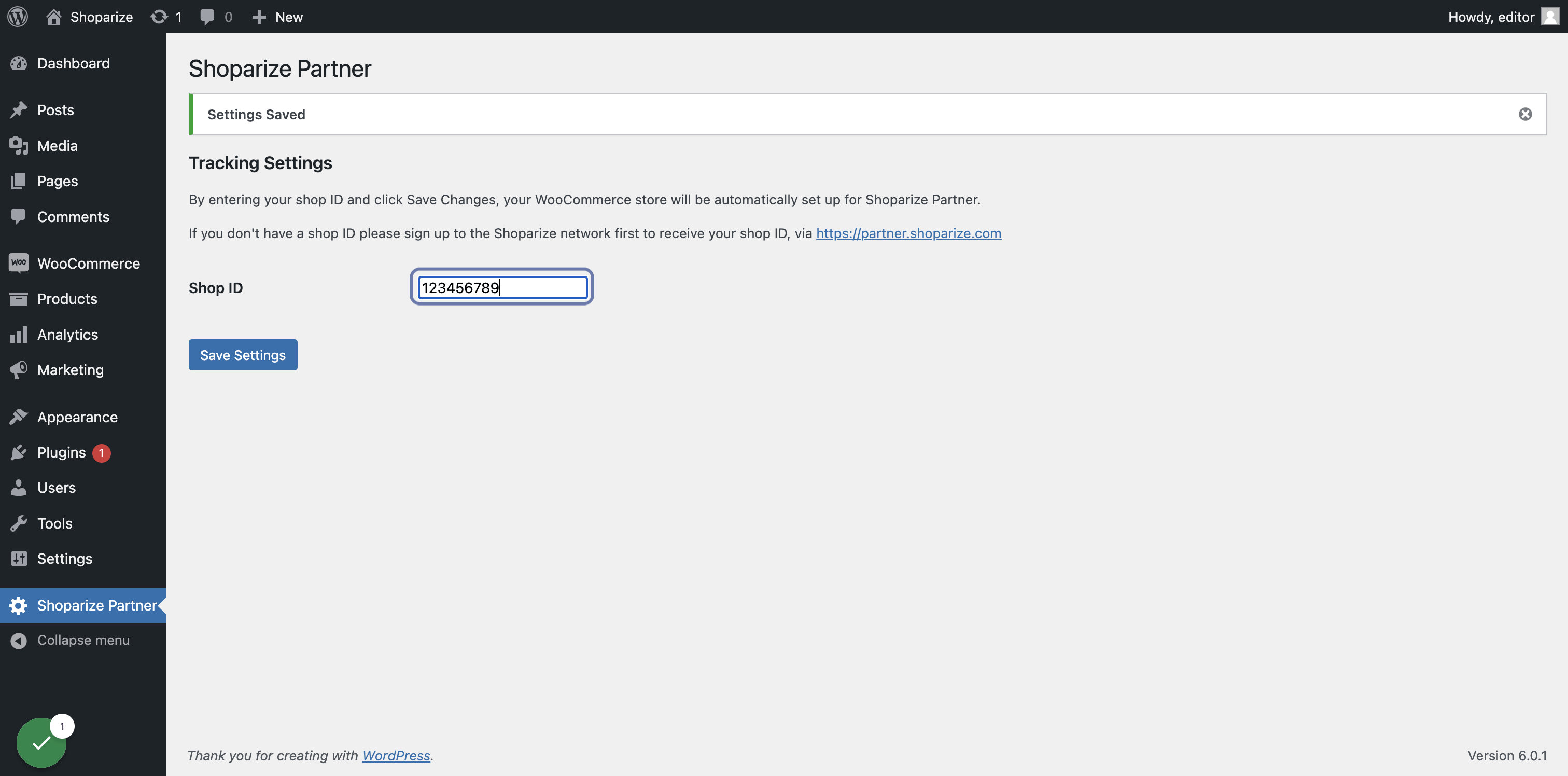
5. On the main menu click on Shoparize Partner menu item
6. Type your Shoparize shop id in the text box and click on Save Settings