Download the Shoparize module
1. Download latest Shoparize Prestashop plugin from latest release of Prestashop module
1.1 If your Prestashop has 1.6 version use this link for download correct version of module – https://partner-cdn.shoparize.com/downloads/prestashop/1.6/shoparizepartner.zip
Upload and install the module
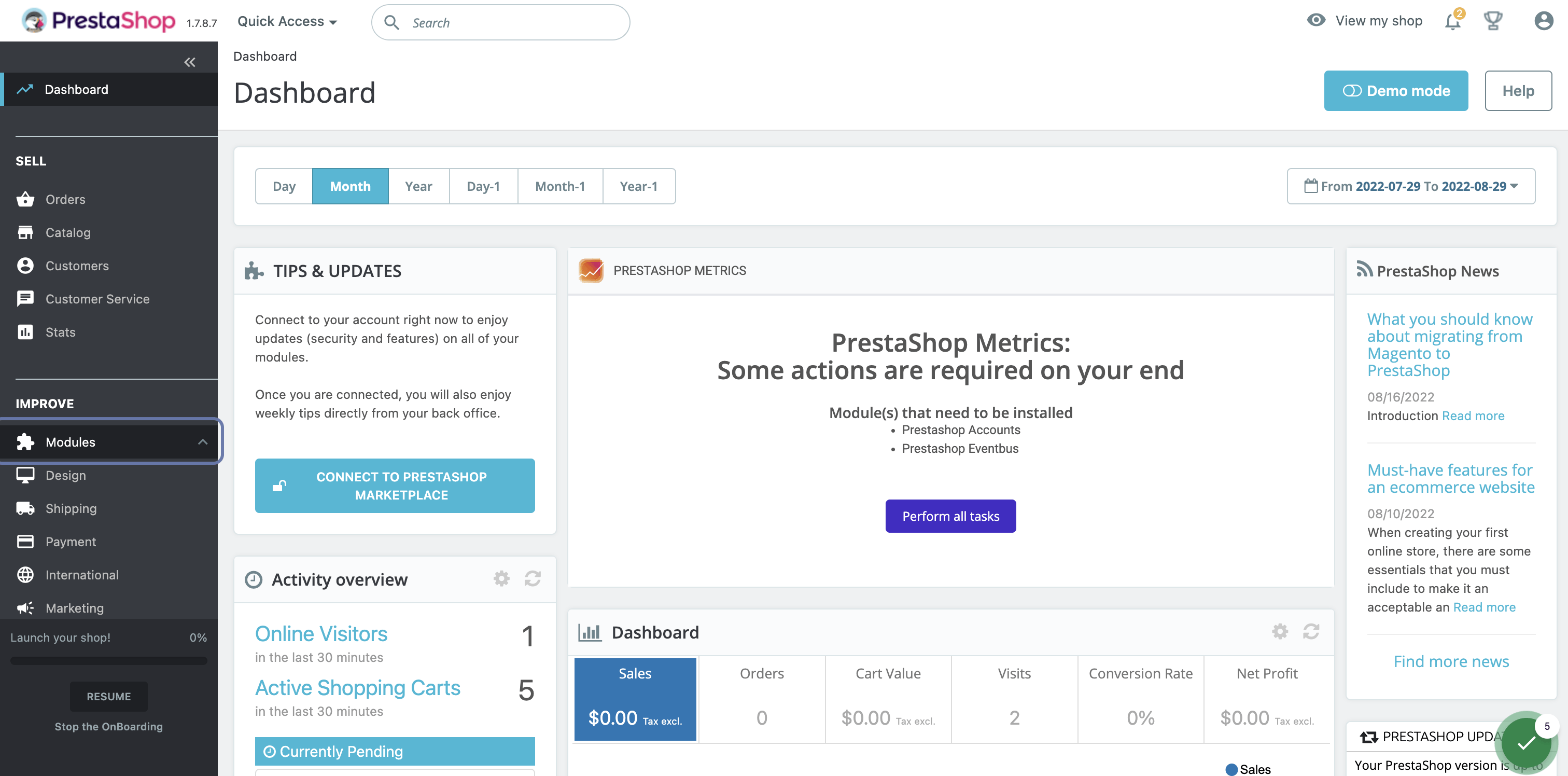
2. From the Prestashop Dashboard click on Modules
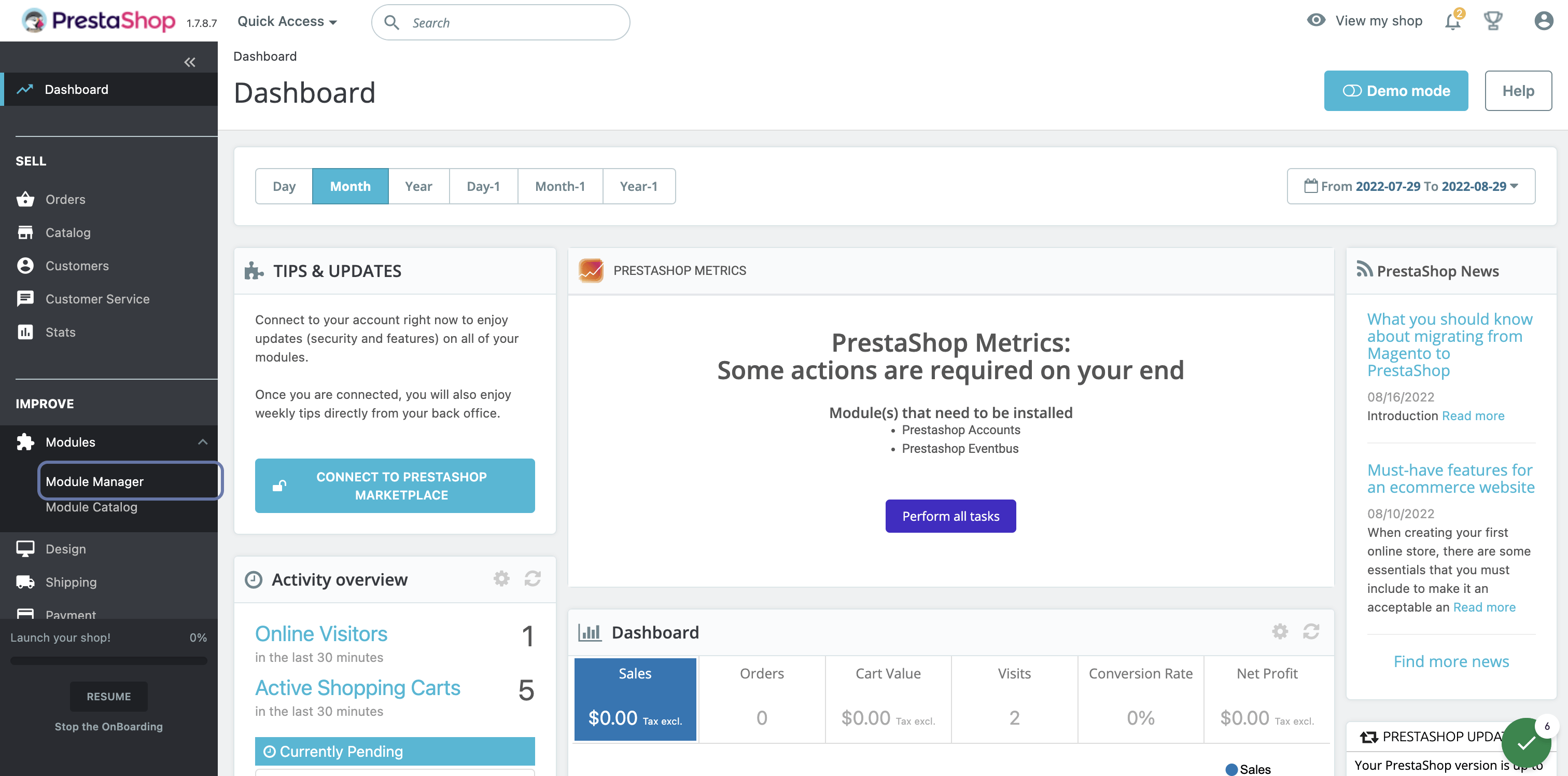
3. Click on Module Manager
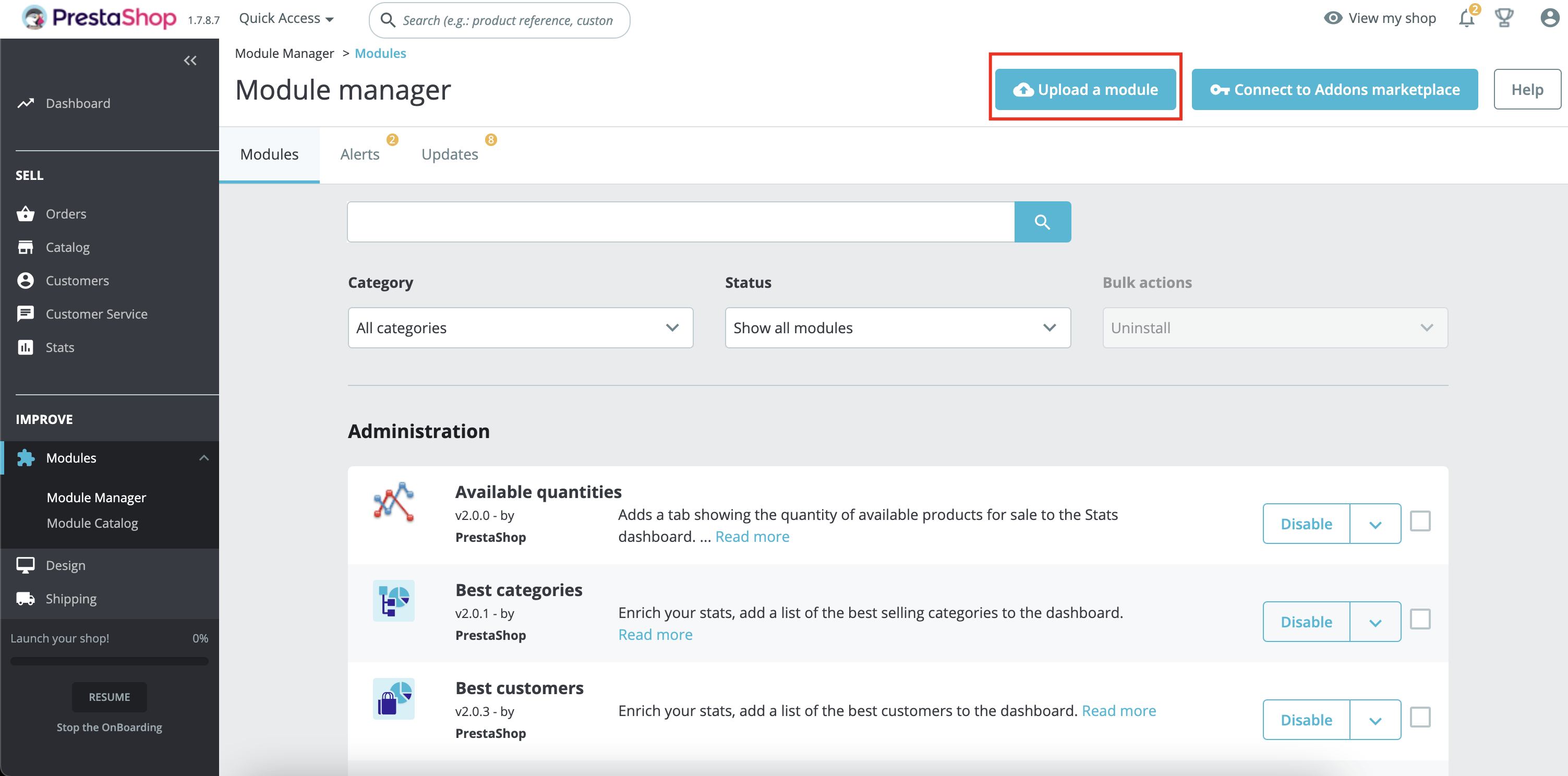
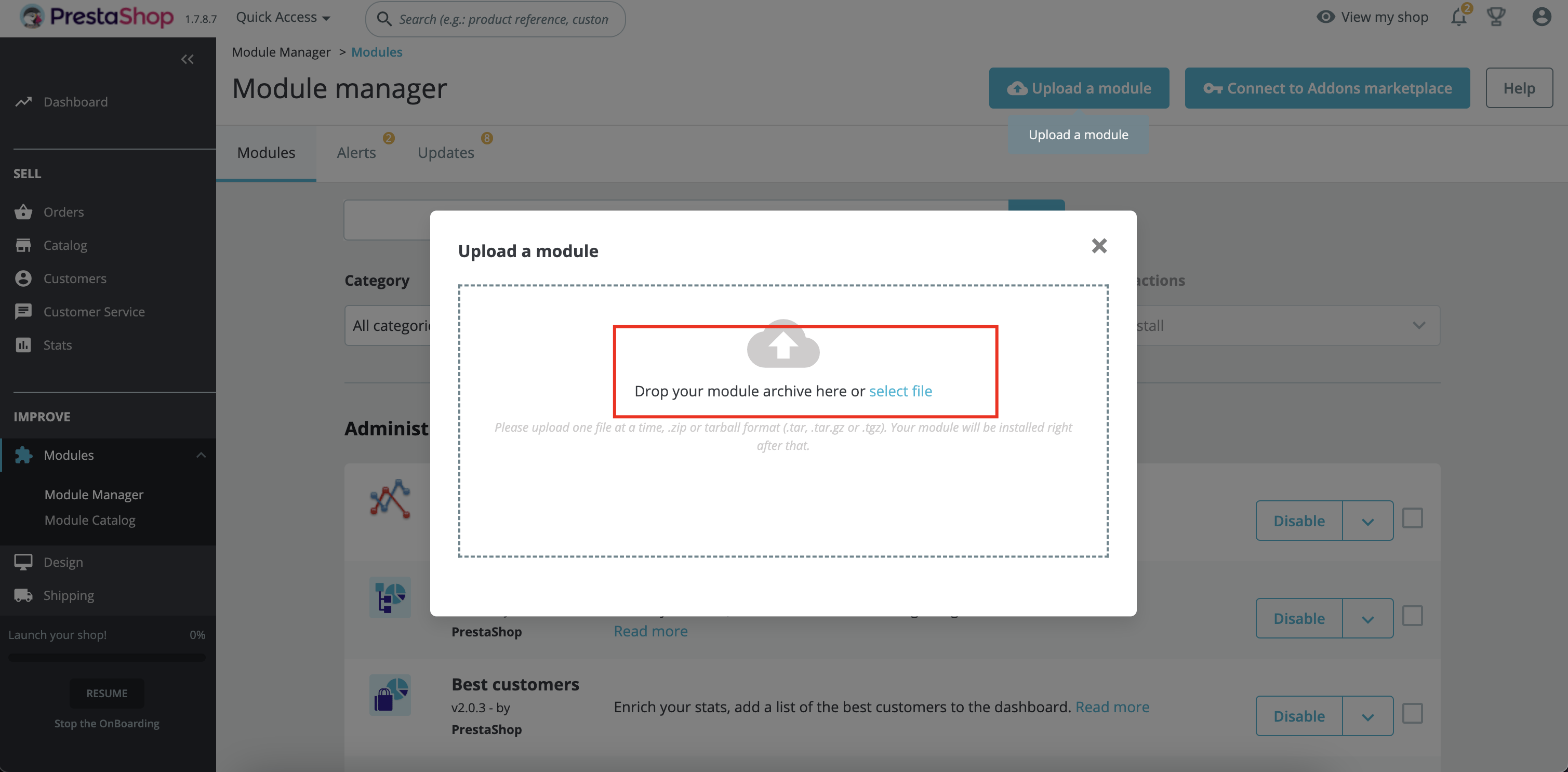
4. Click on Upload a module button
5. Click to select the downloaded Shoparize zip file or drag and drop the zip file to the area. It will be automatically installed
Configure your Shop ID
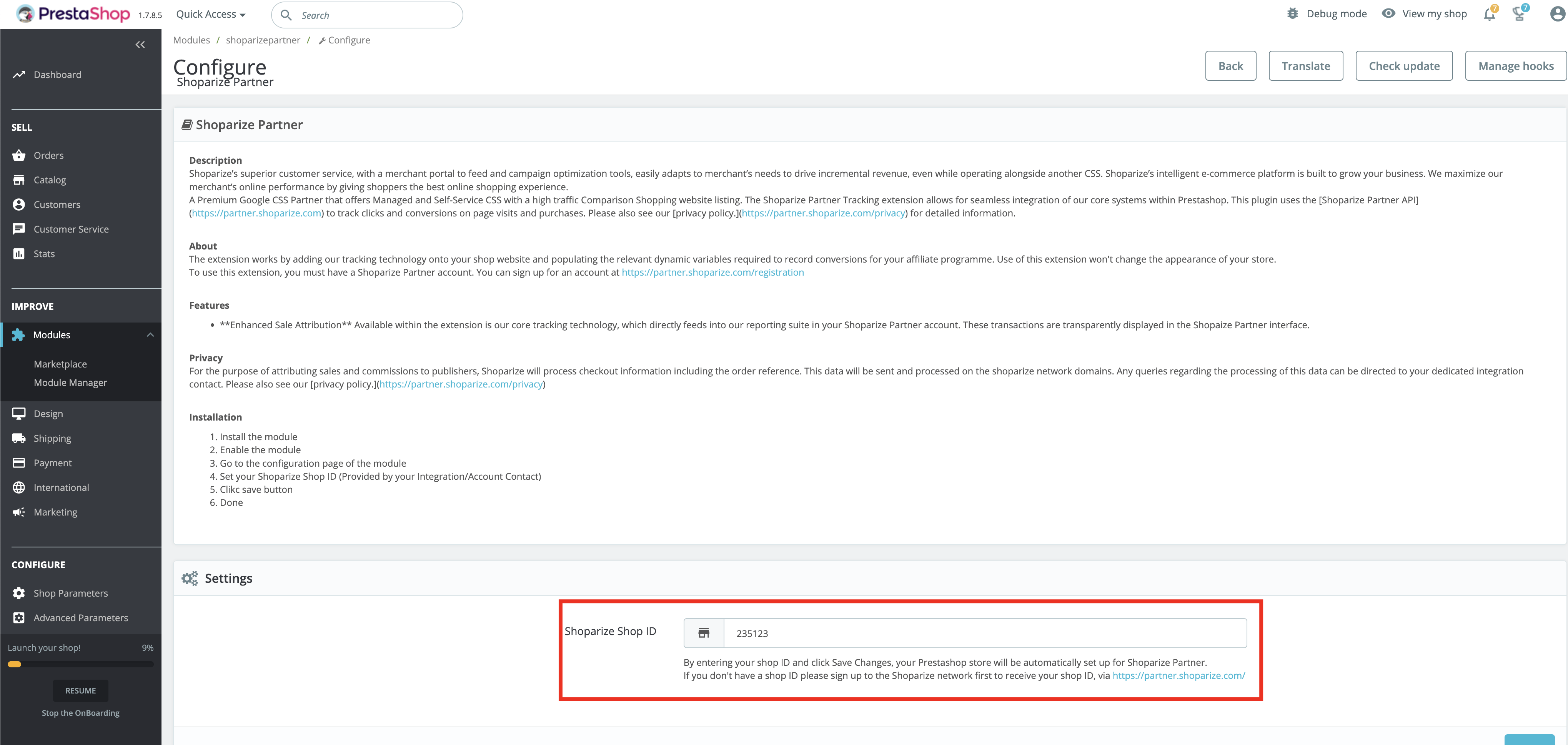
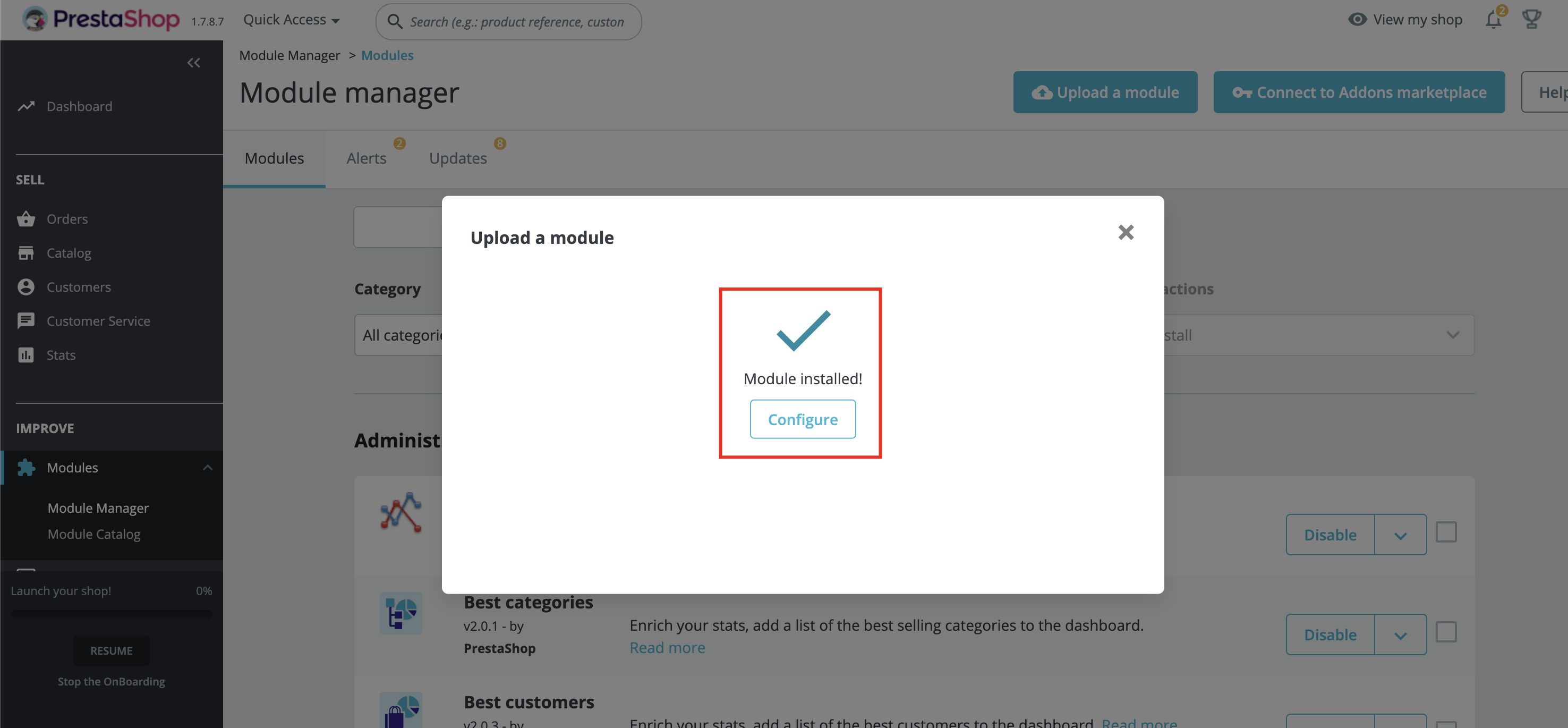
6. Click on Configure button from the popup or click to Configure button in the module manager page
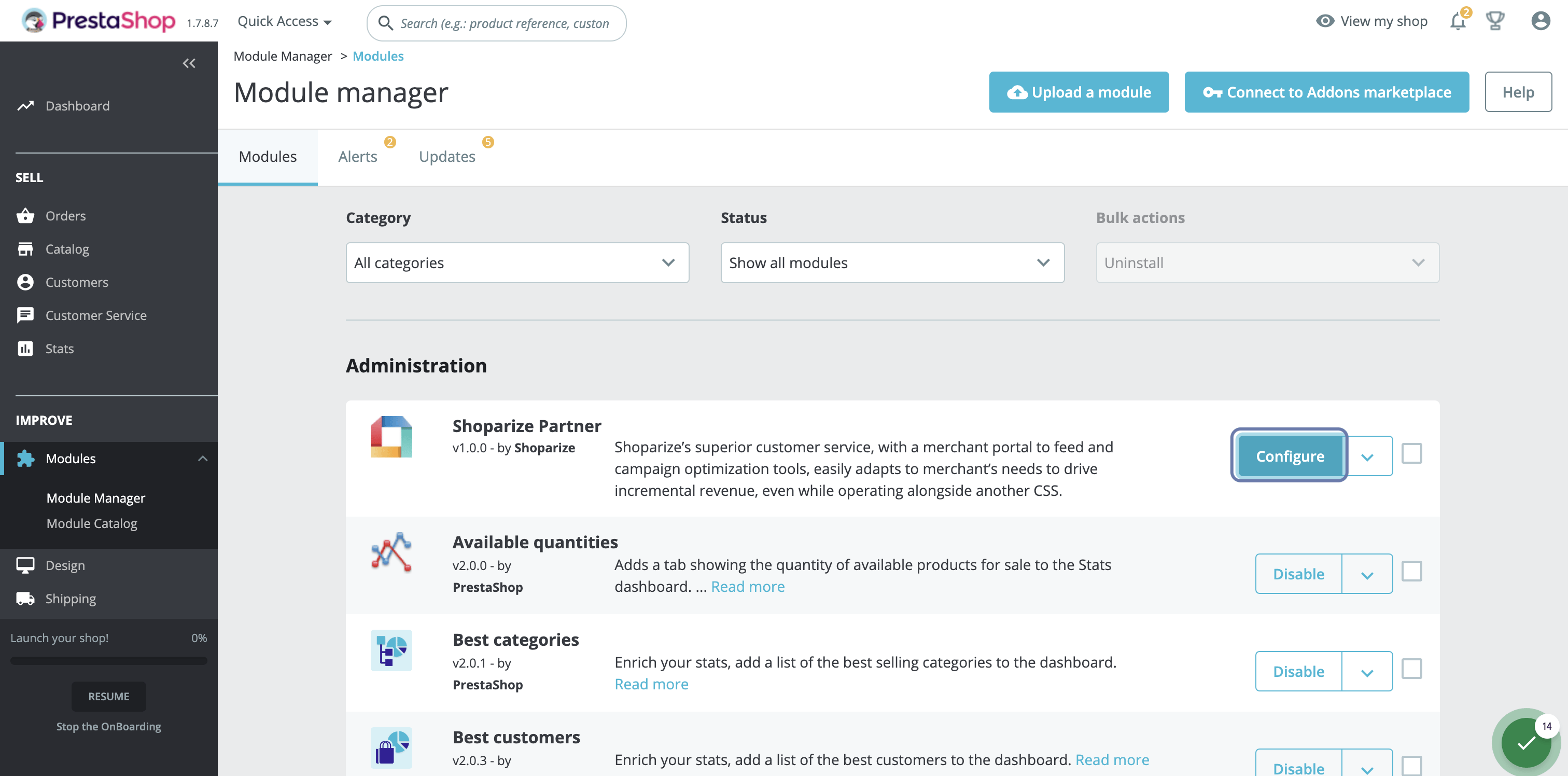
7. Type your Shoparize Partner Shop ID and click on save