


Add Shoparize from the Marketplace
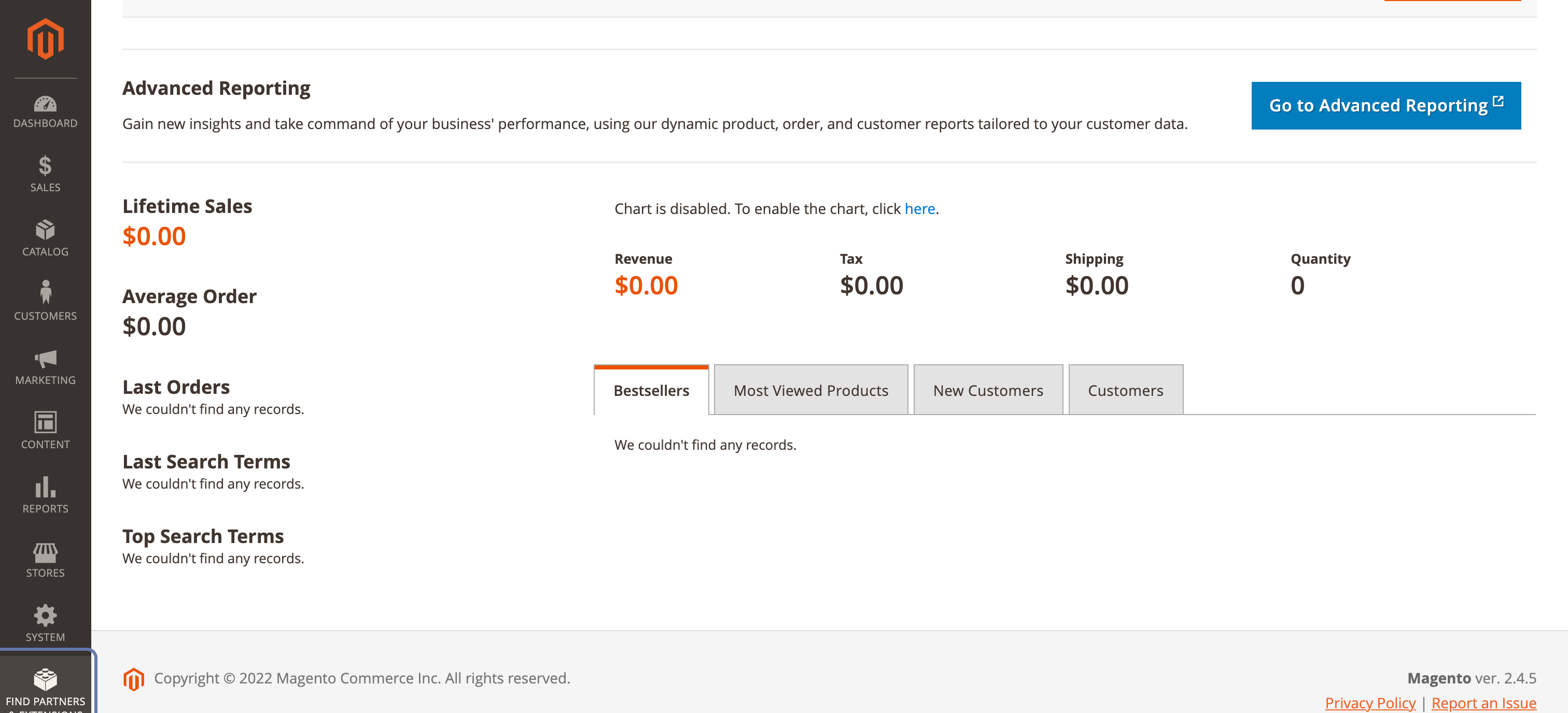
1. On Magento Admin Dashboard find an click Partners & Extensions
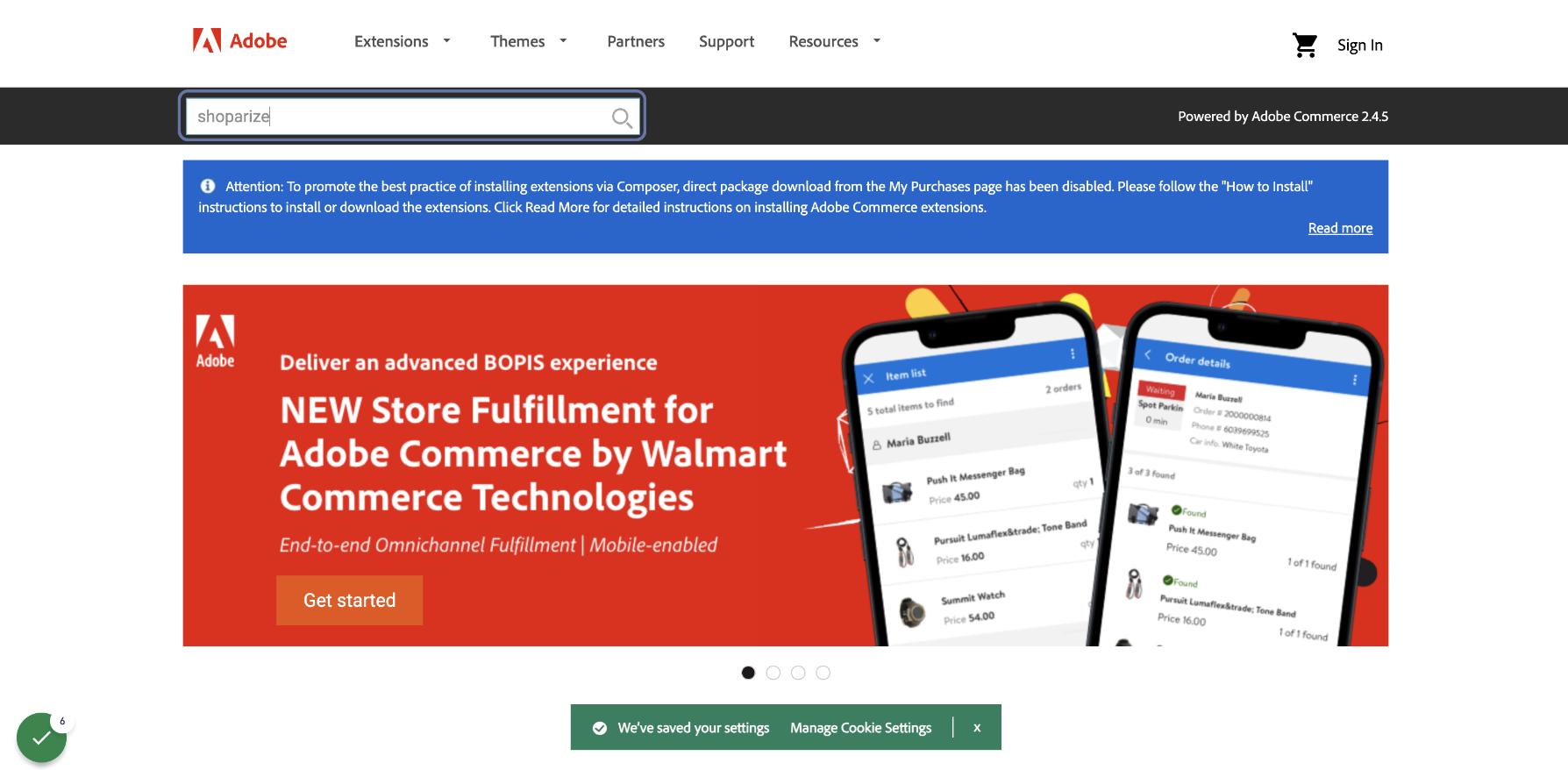
2. Type shoparize in the search box and when the popup opens select the Shoparize plugin. If you cannot find the plugin in the search results you can click the link https://commercemarketplace.adobe.com/shoparize-partner-magento-partner.html
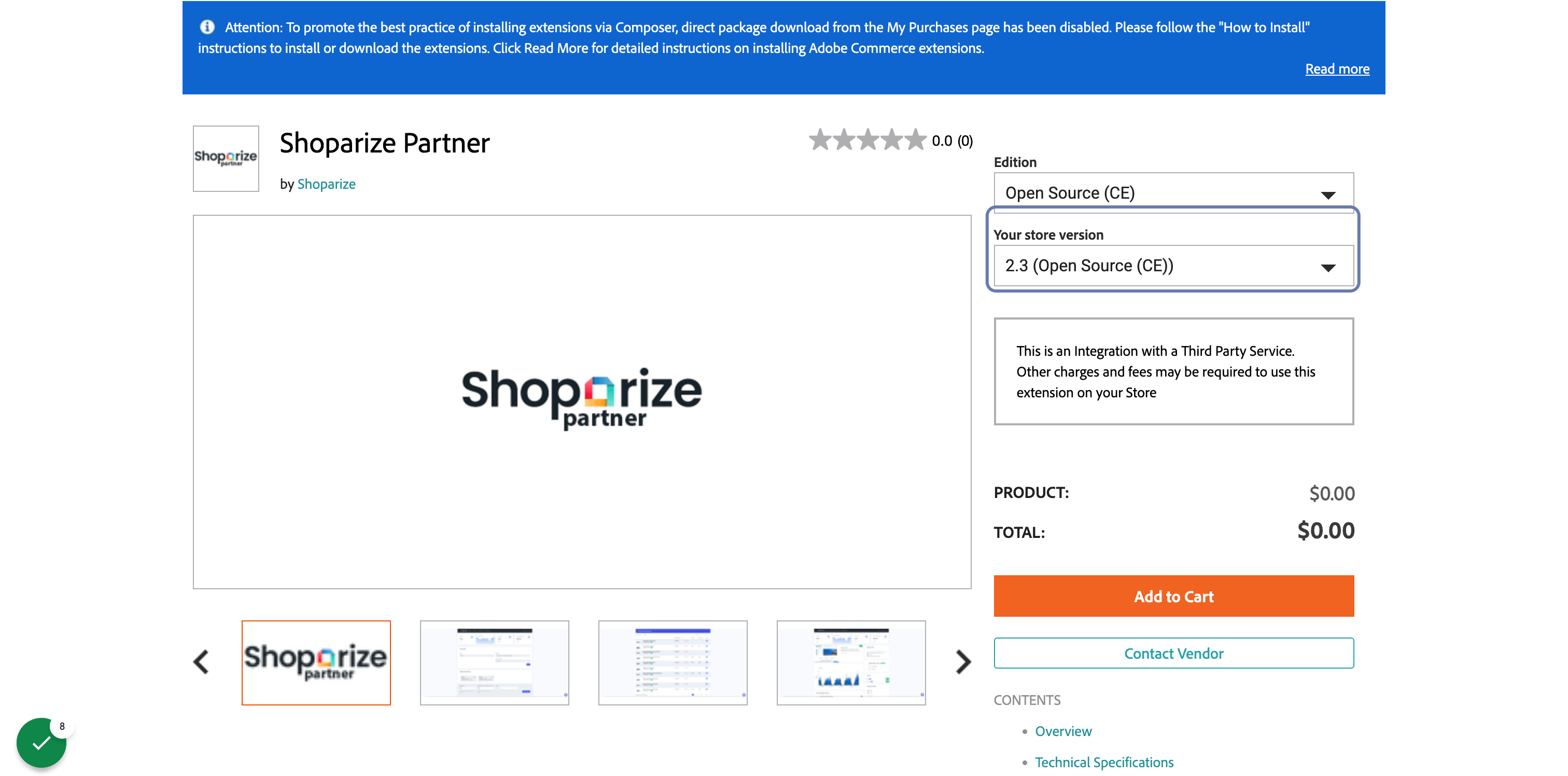
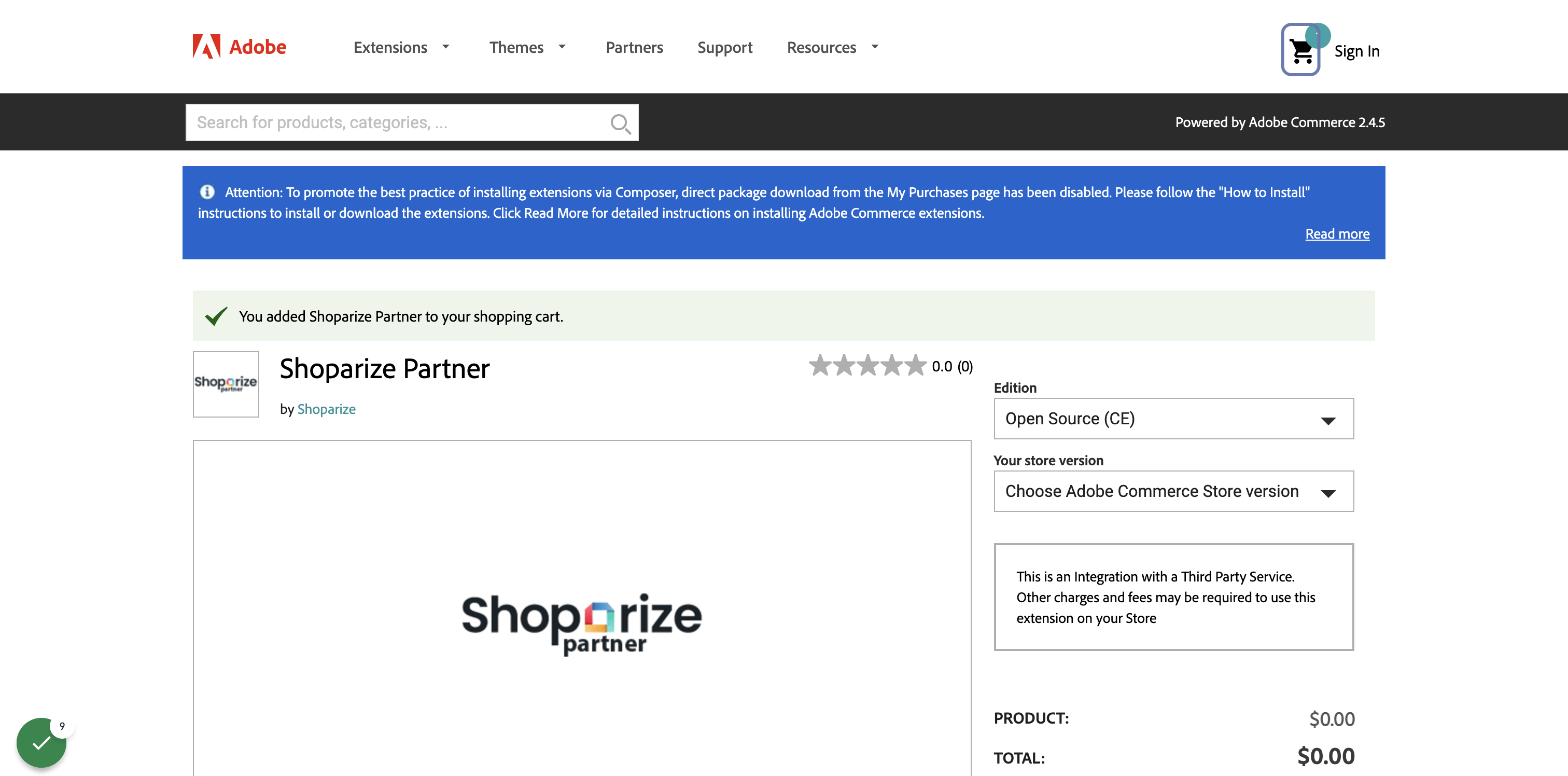
3. Select the corresponding store version
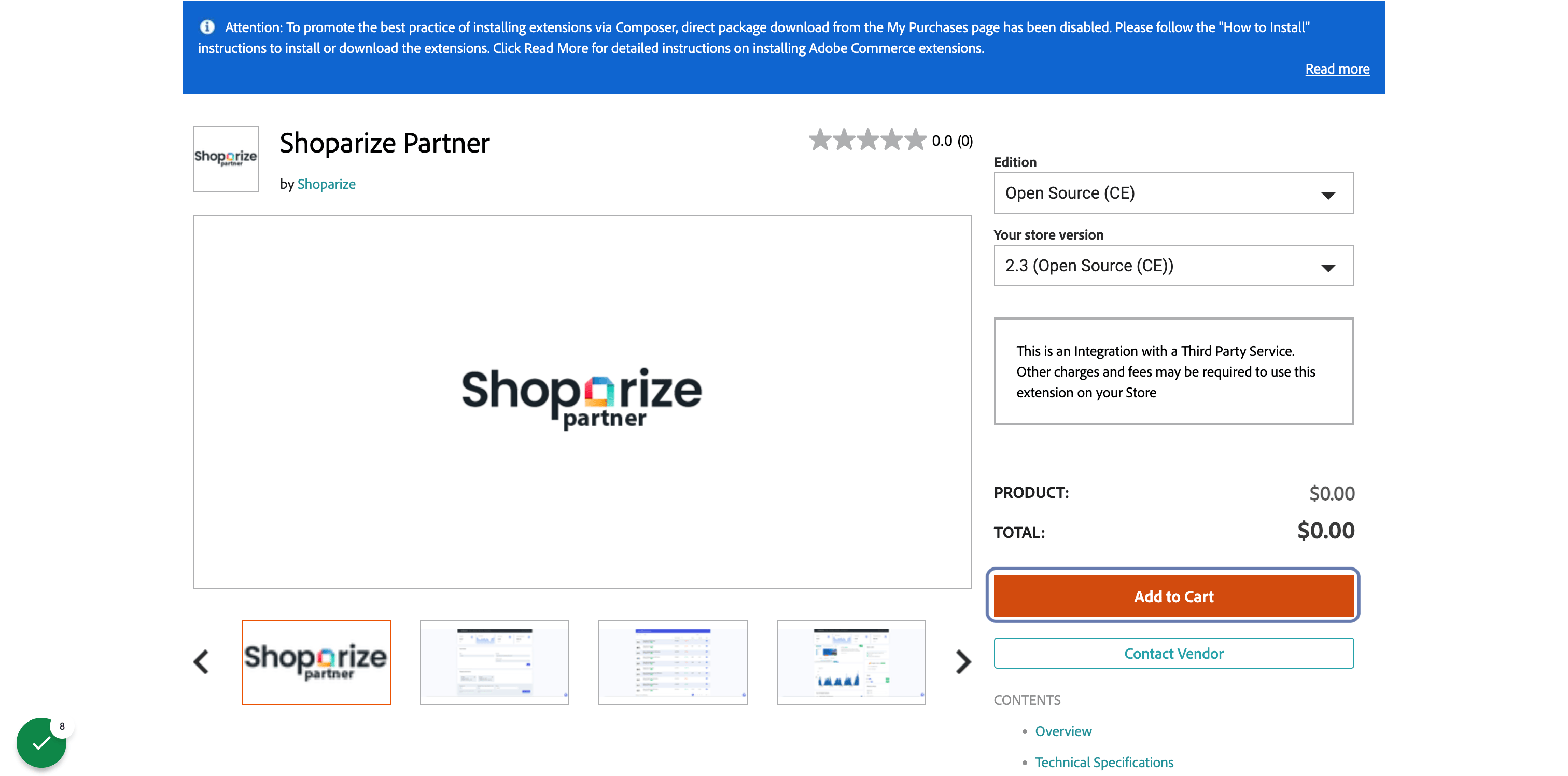
4. Click on Add to Cart
5. Click on My Cart
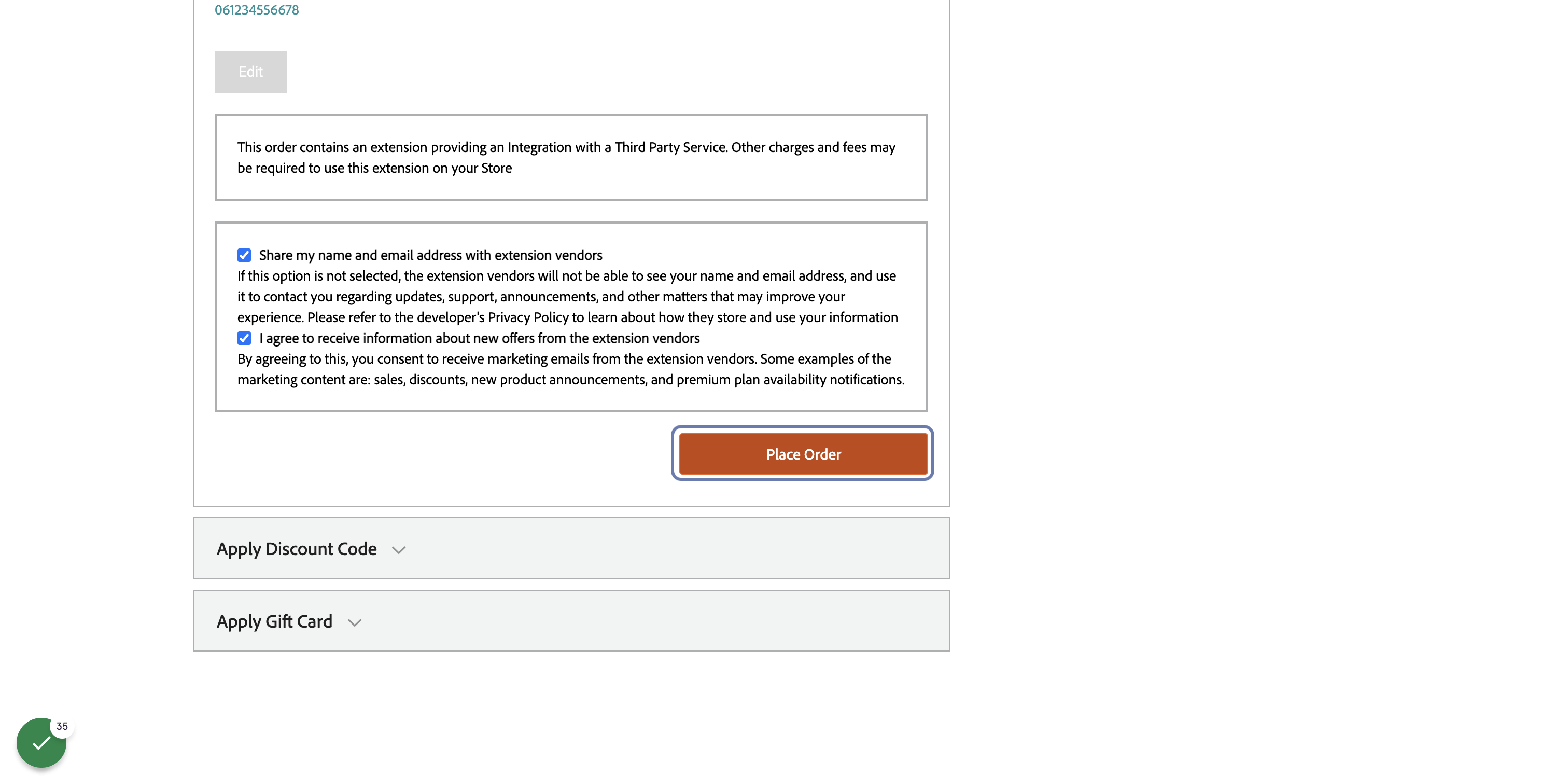
6. Click on Place Order
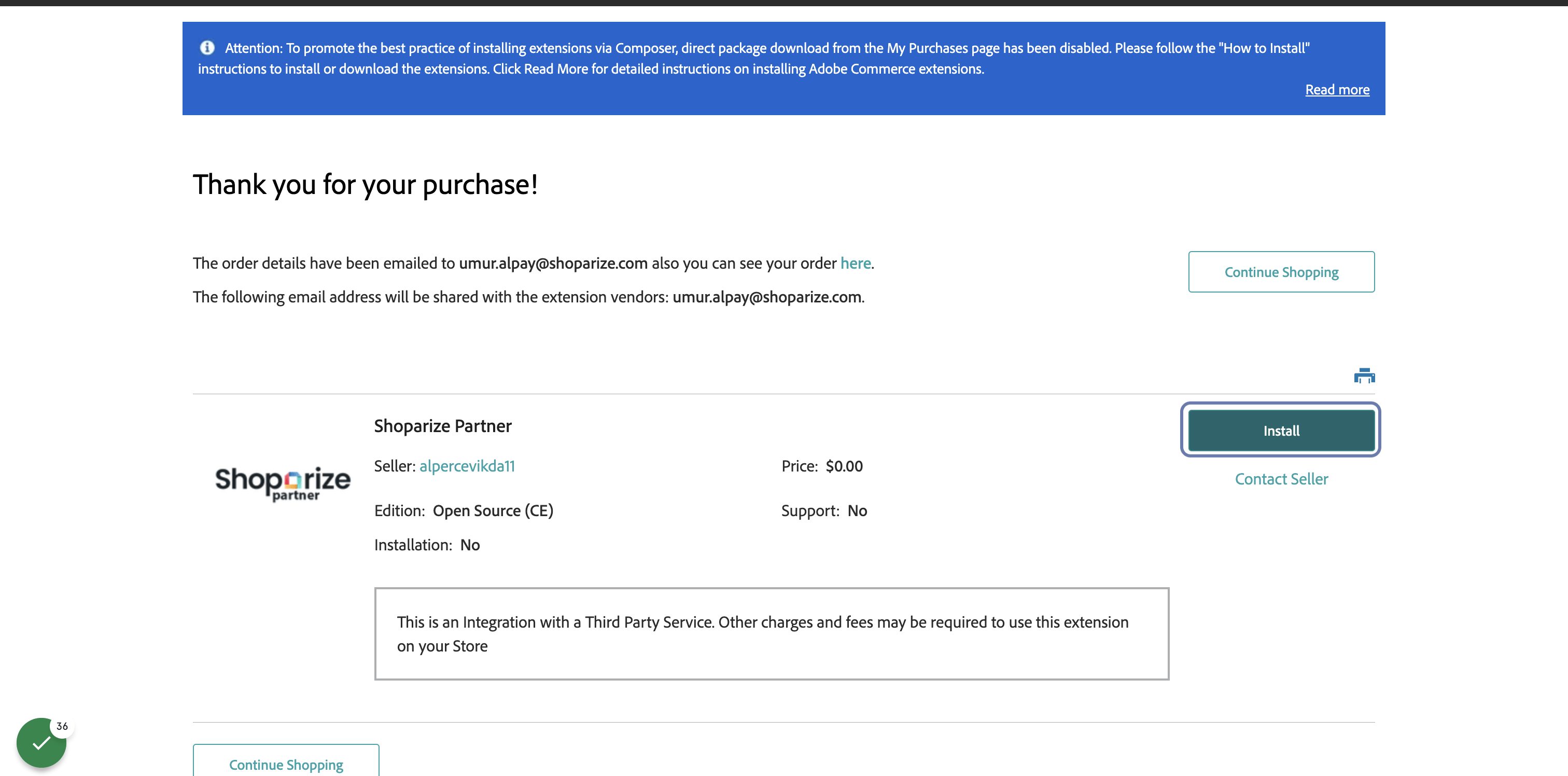
7. Click on Install
Install via Composer
8. Install Shoparize using Composer
Login to your server instance
Run the following command in the terminal
composer require shoparize/magento-partner;
Setup the module running the following commands
                          php bin/magento setup:upgrade;
php bin/magento cache:flush;
php bin/magento cache:clean;
If you run magento in production mode you also need to compile and deploy the module’s static files
                          php bin/magento setup:di:compile;
php bin/magento setup:static-content:deploy;
Install via the Magento Admin Panel
9. Install Shoparize using Magento Admin Panel
- Navigate to the setup wizard located in System > Tools > Web Setup Wizard
- From the Setup Wizard page, click the Extension Manager icon
- You should now see all installed extensions. If you haven’t already done so, you will be asked to enter your Magento Marketplace authentication keys.
- Within the Magento Marketplace Account, section, click Install under New Purchases and follow the instructions to install the module.
- The installation runs a complete job that upgrades Magento, redeploys the static assets, recompiles the code, and other tasks
