Install the Shoparize app
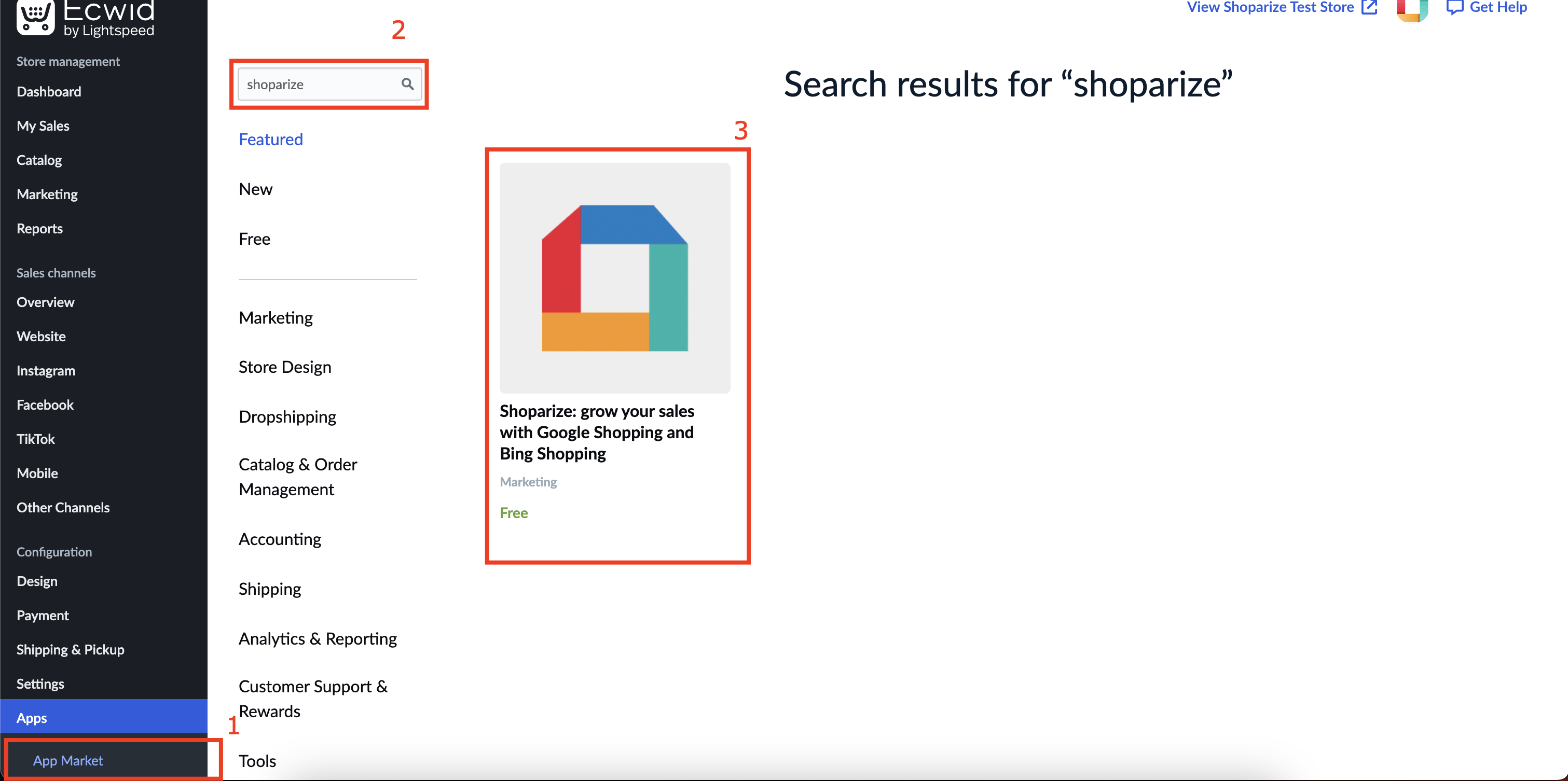
1. From your dashboard, under ‘Apps’ section click on ‘App Market’, after the page loads search for ‘shoparize’ and click on the result. Alternatively you can click https://www.ecwid.com/apps/featured/shoparize and follow the next steps.
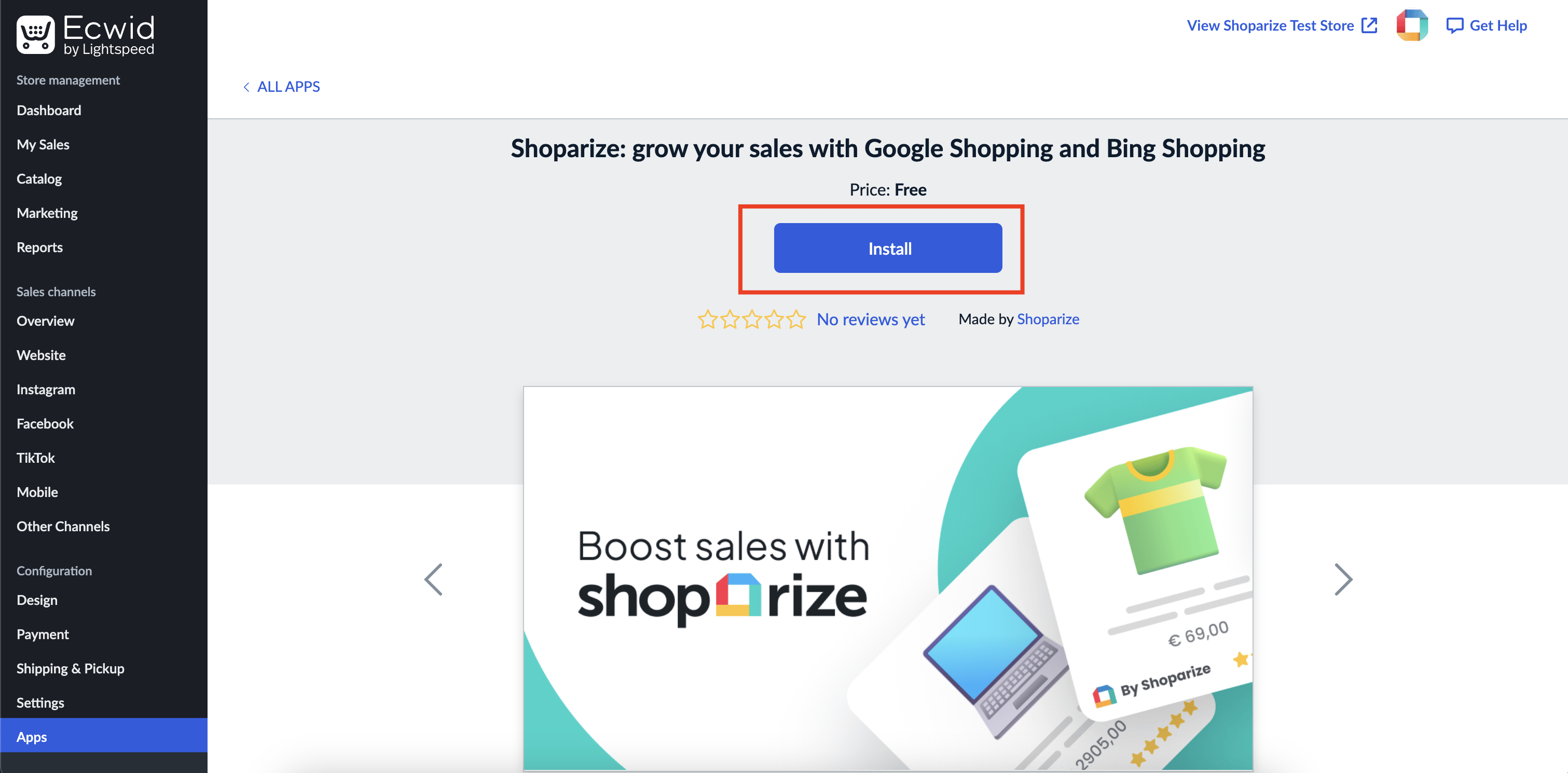
2. Click on ‘Install’ button and after the installation, it will redirect itself to the plugin configuration page.
2a. If the page did not redirect itself. You can navigate from Apps > My Apps. Find the Shoparize plugin and click ‘Open App’

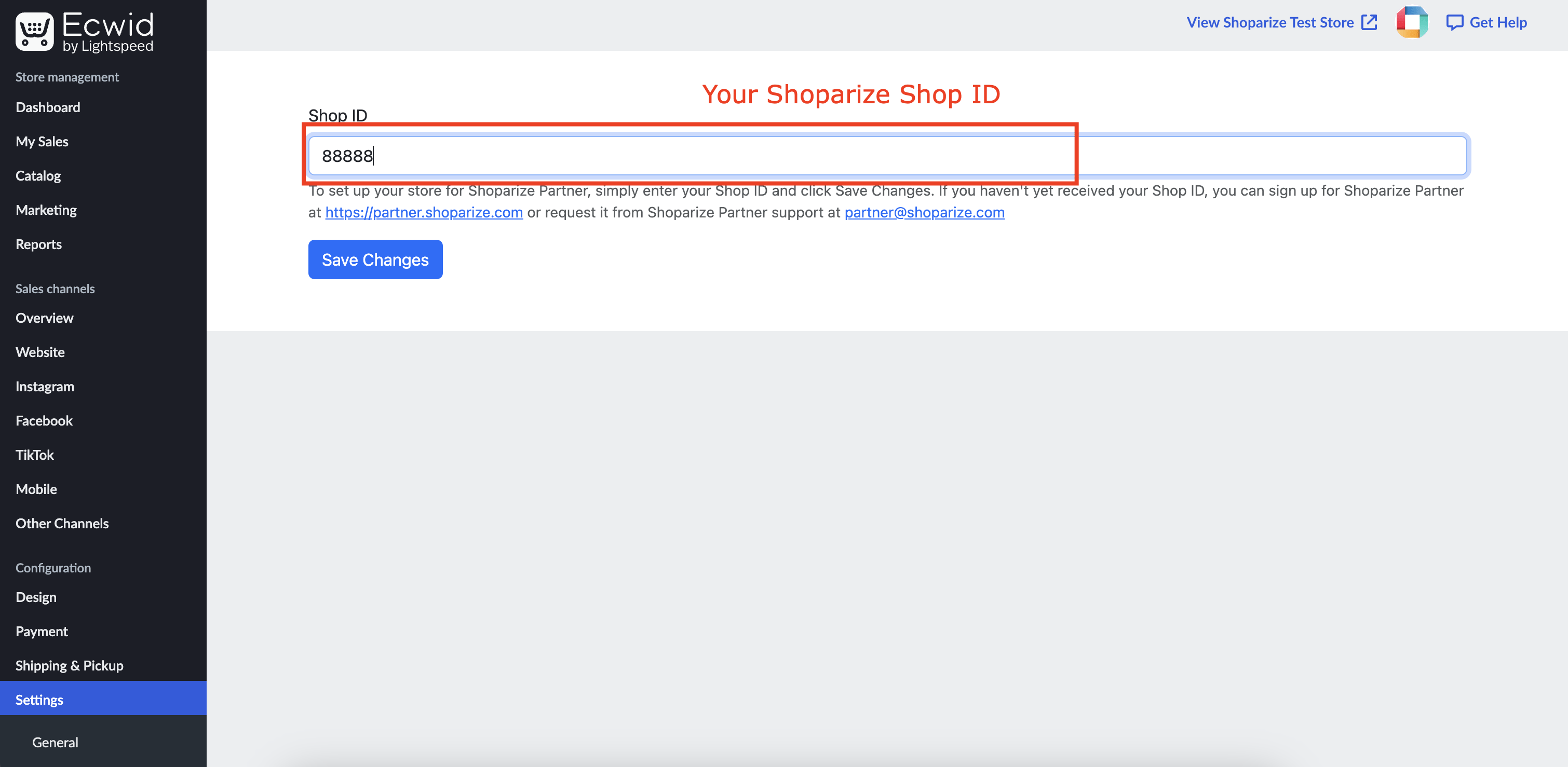
Enter your Shop ID
3. Enter your Shoparize Shop ID and click “Save Changes”. After saving changes your plugin is all set.