Introduction
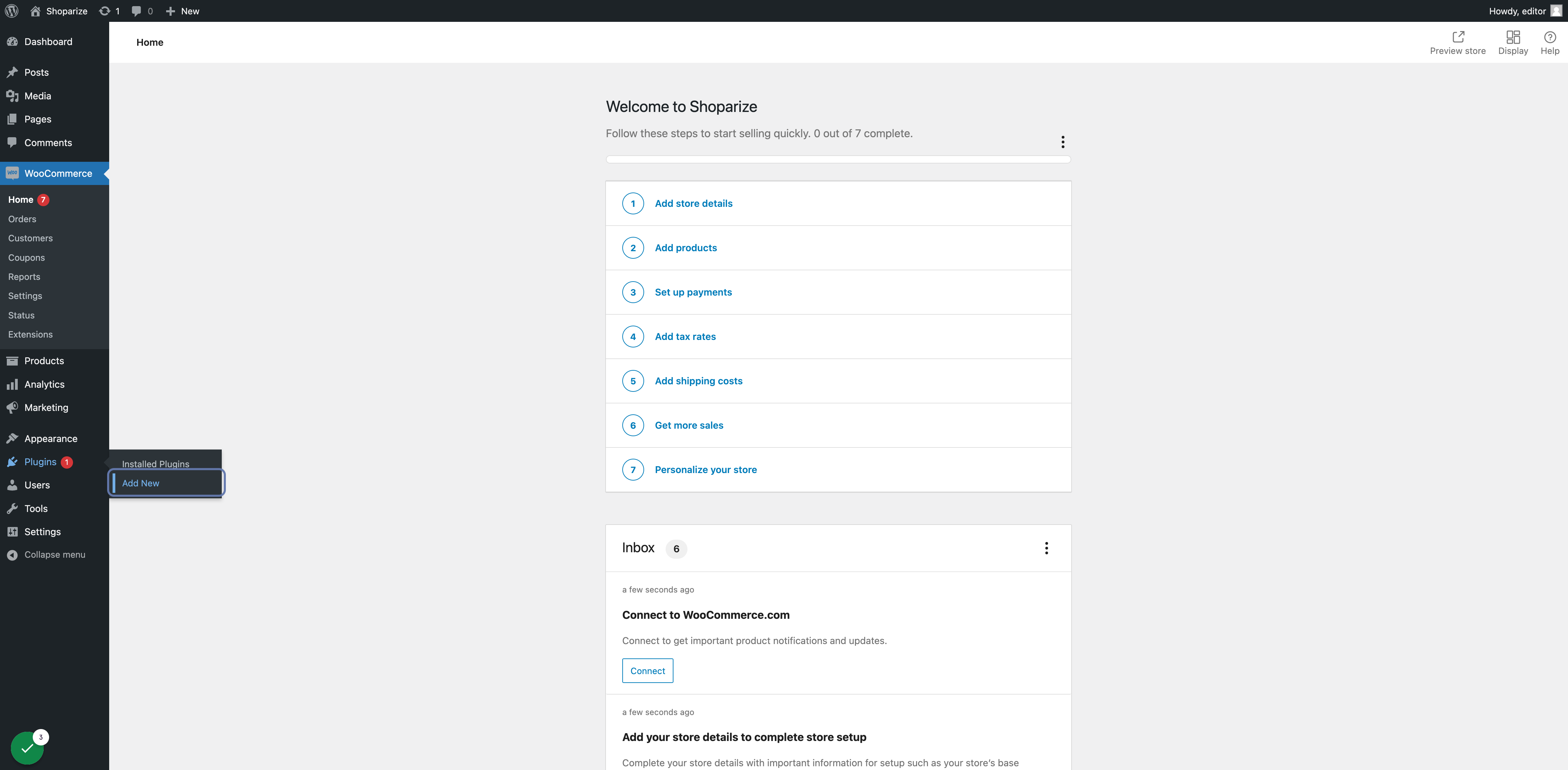
1. Klik in WooCommerce Admin in het zijmenu op Plugins -> Nieuwe plugin
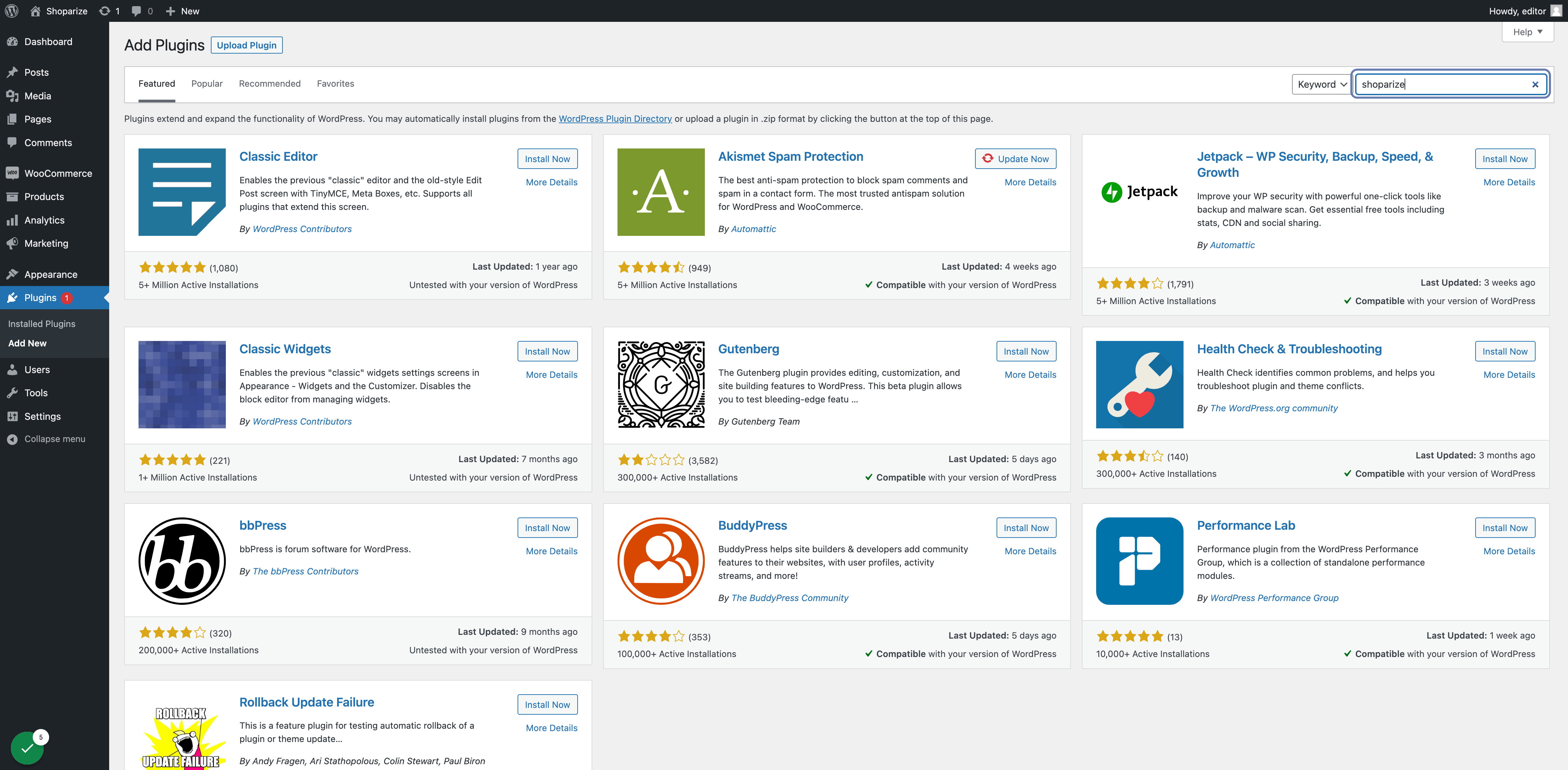
2. Typ shoparize in het zoekvak
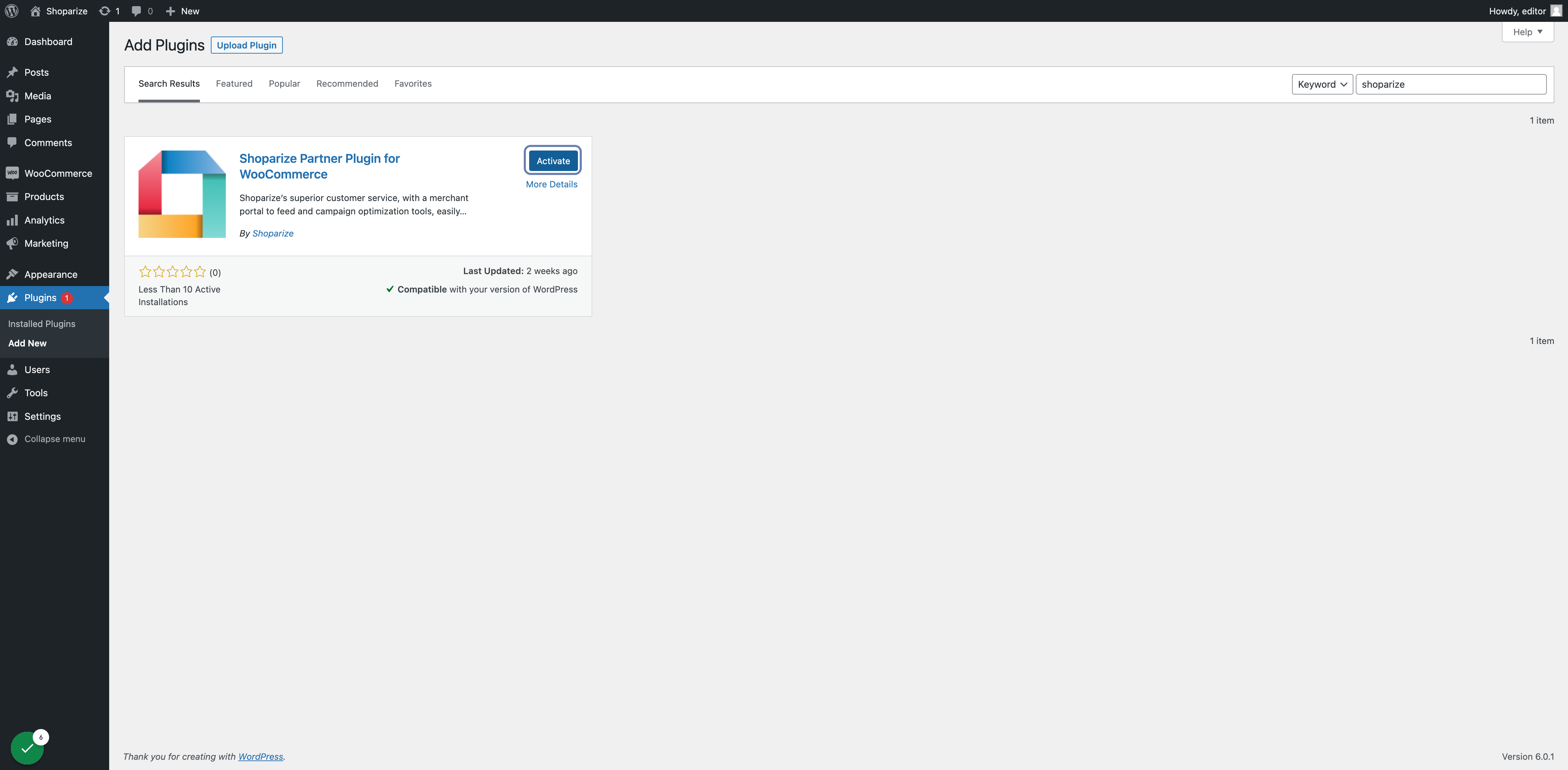
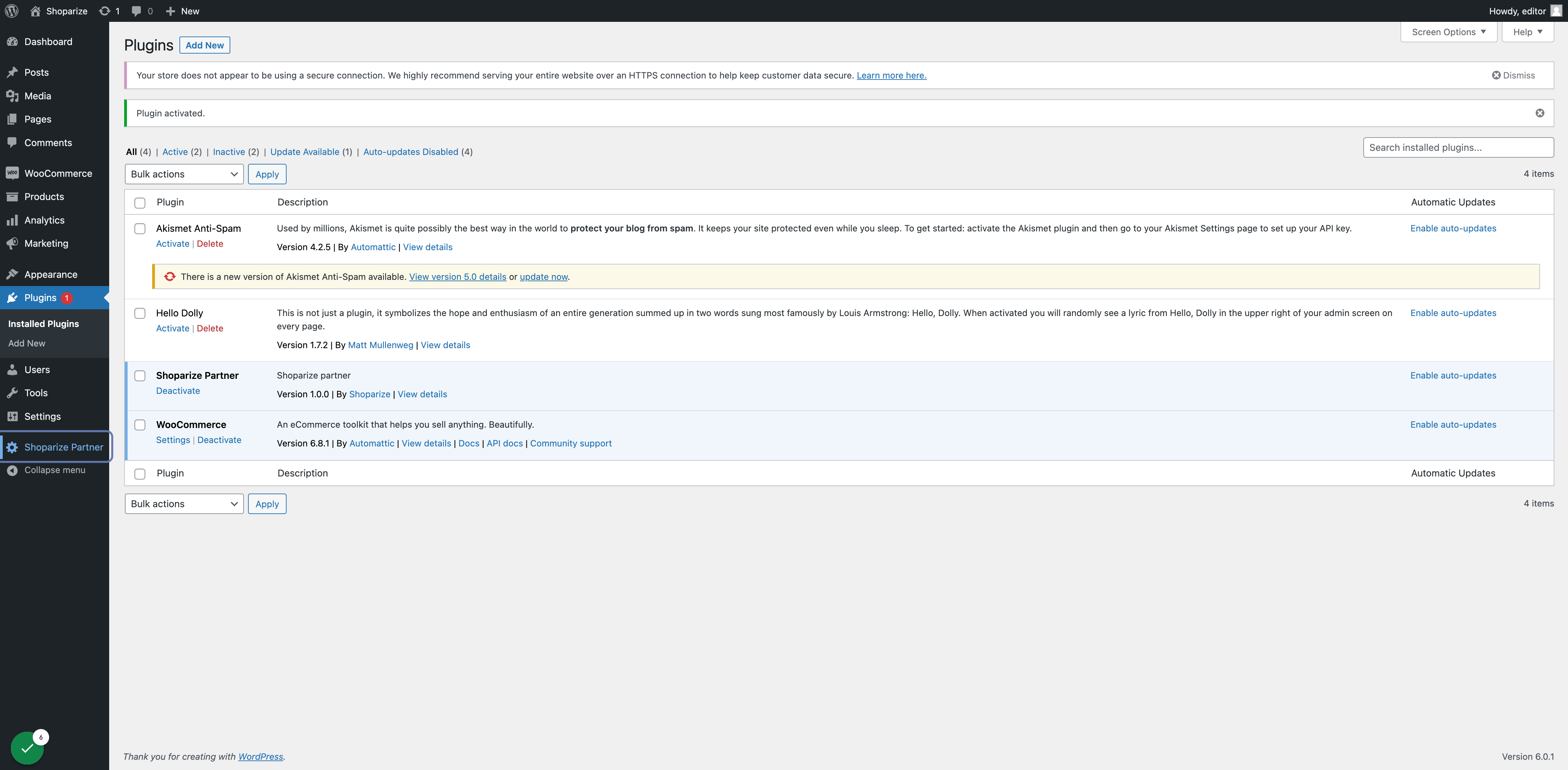
3. Zoek de Shoparize-plugin in de zoekresultaten en klik op Nu installeren en klik na de installatie op Activeren
4. Klik op automatische updates inschakelen om altijd de nieuwste updates en functionaliteiten te hebben

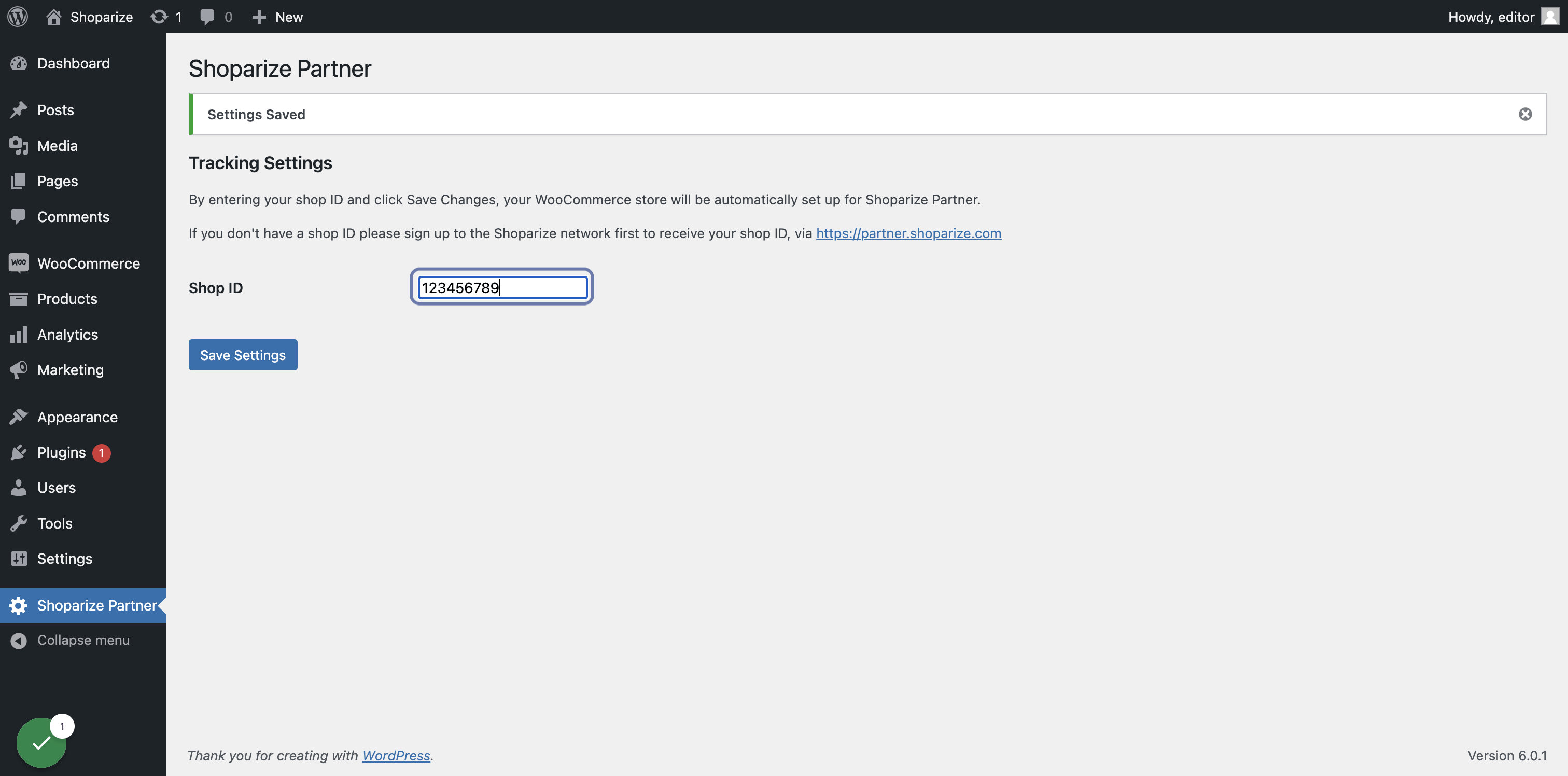
5. Klik in het hoofdmenu op het menu-item Shoparize Partner
6. Typ je Shoparize-shop-id in het tekstvak en klik op Instellingen opslaan