Introduction
1. Download de nieuwste Shoparize Prestashop-plugin van nieuwste release van de Prestashop-module
1.1 Als je Prestashop versie 1.6 gebruikt, gebruik dan deze link om de juiste moduleversie te downloaden – https://partner-cdn.shoparize.com/downloads/prestashop/1.6/shoparizepartner.zip
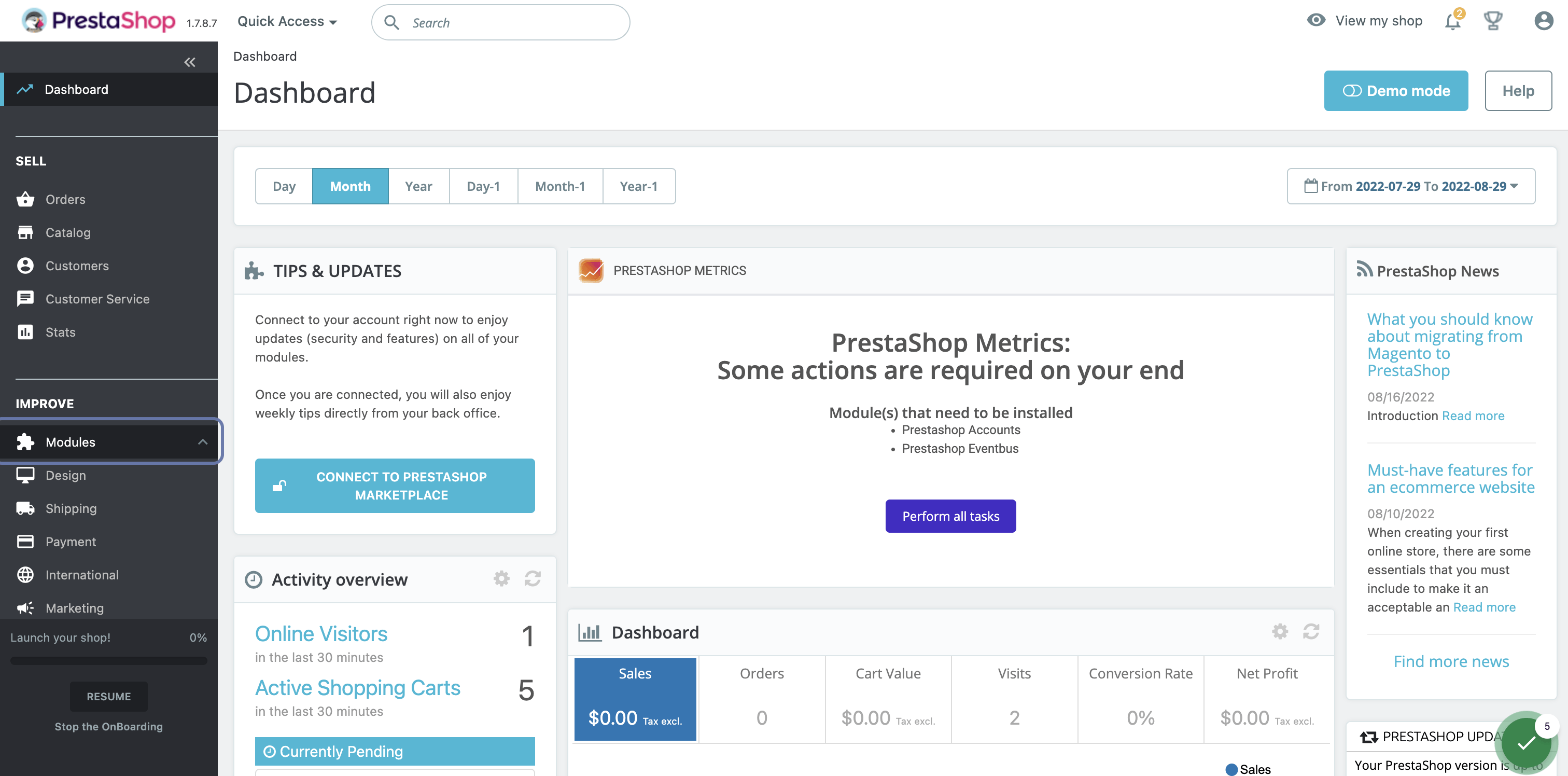
2. Klik in het Prestashop-dashboard op Modules
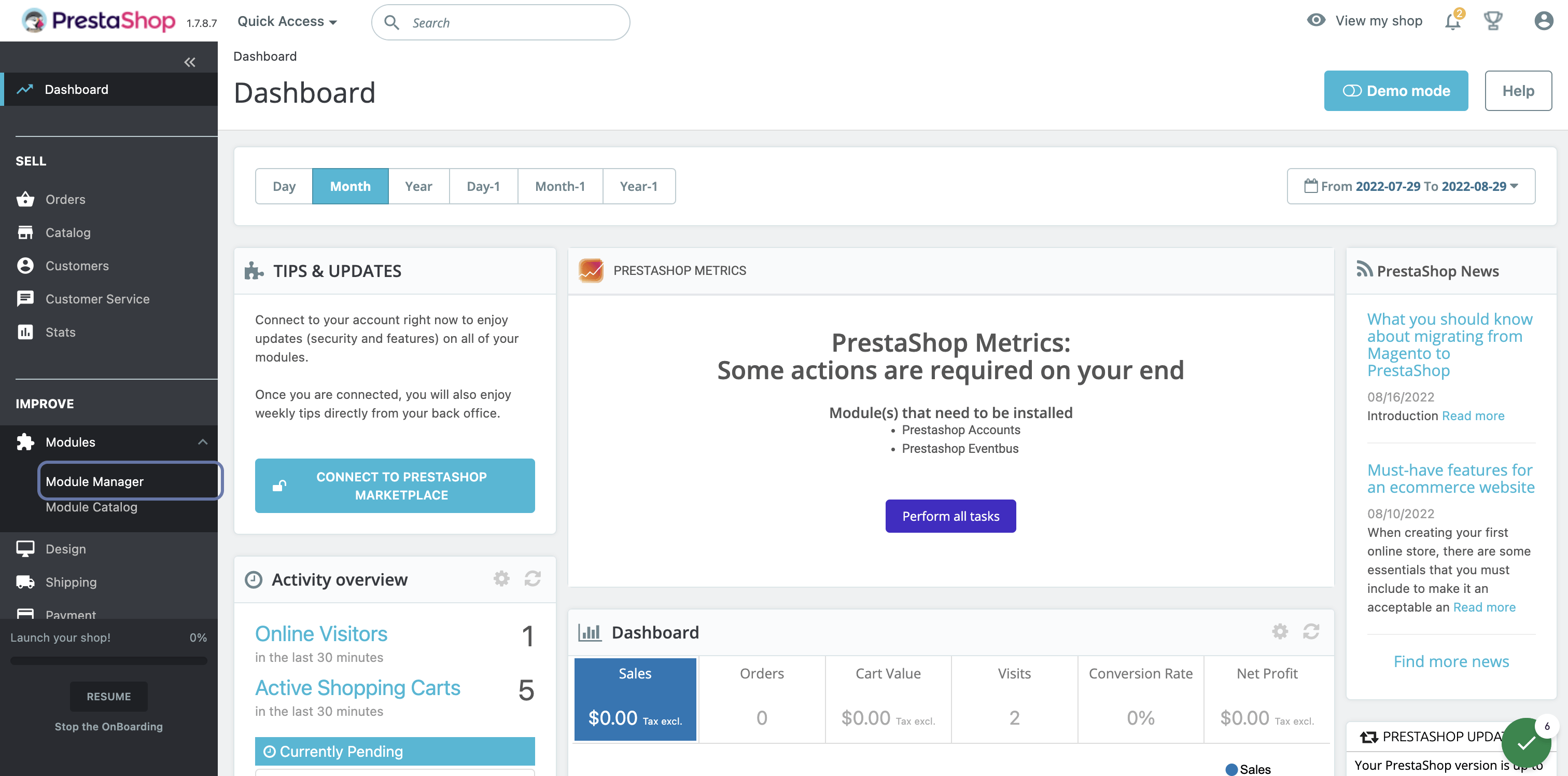
3. Klik op Modulebeheer
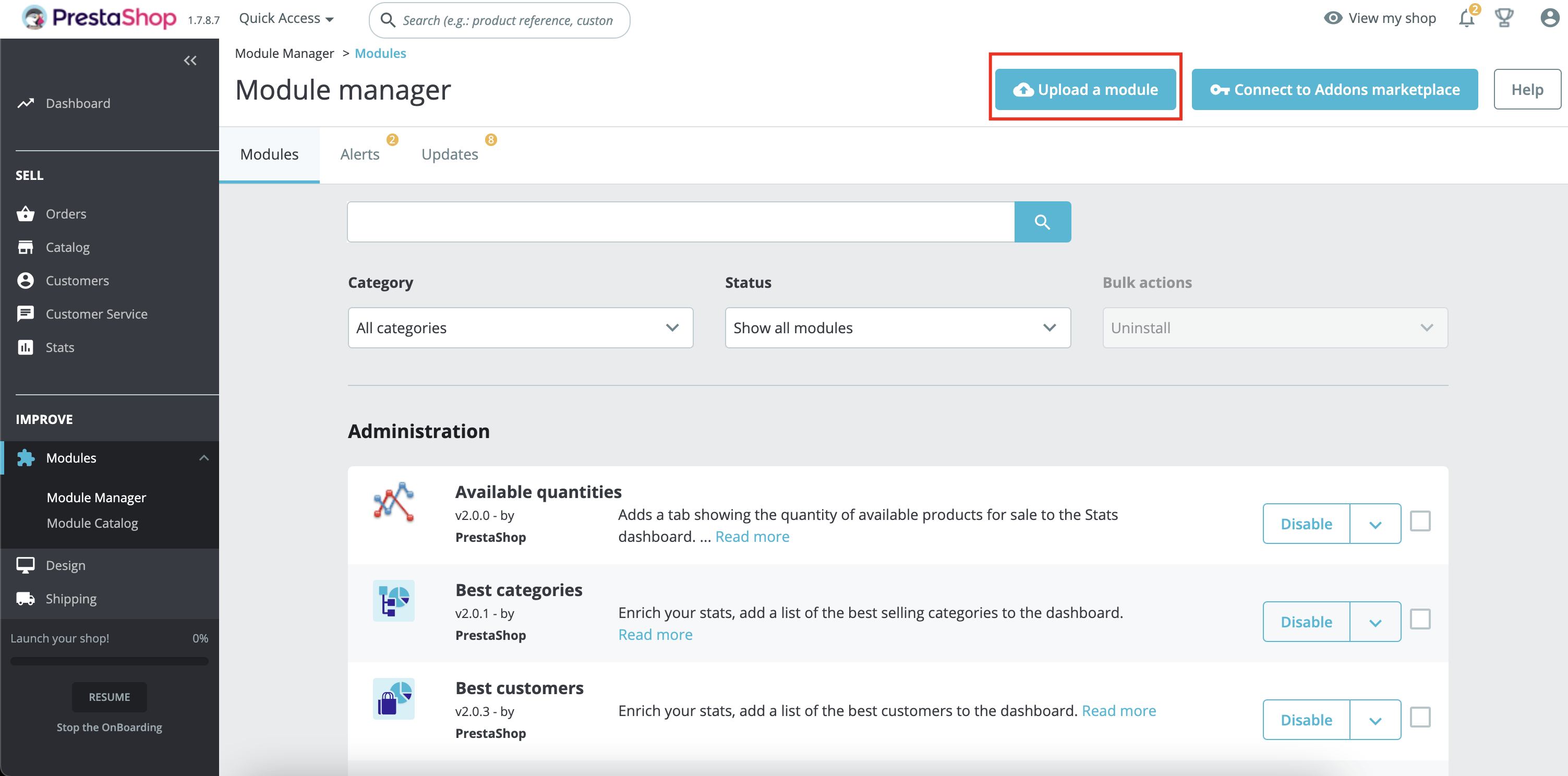
4. Klik op de knop Module uploaden
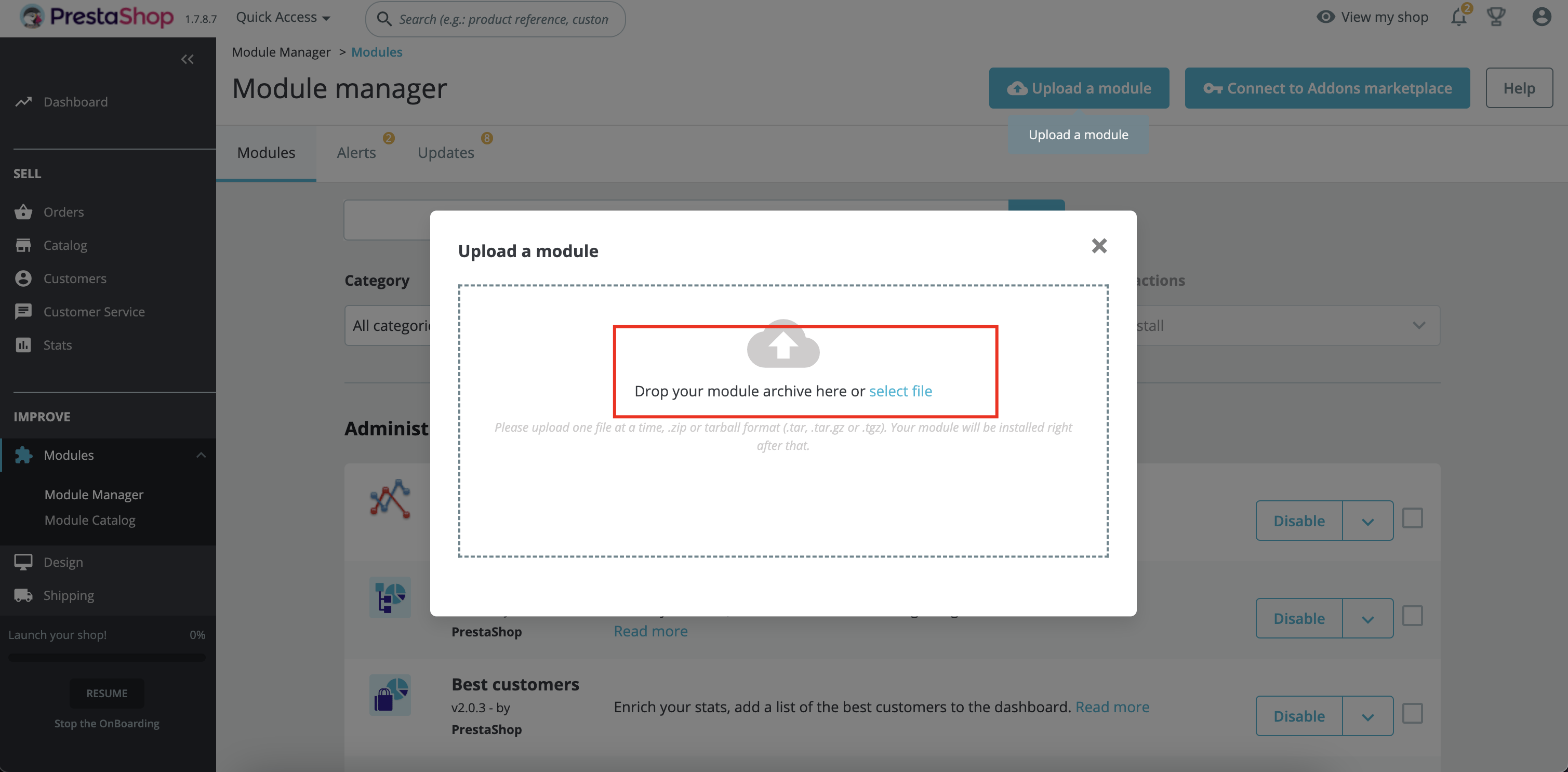
5. Klik om het gedownloade Shoparize-zipbestand te selecteren of sleep het zipbestand naar het aangegeven gebied. Het wordt automatisch geïnstalleerd.
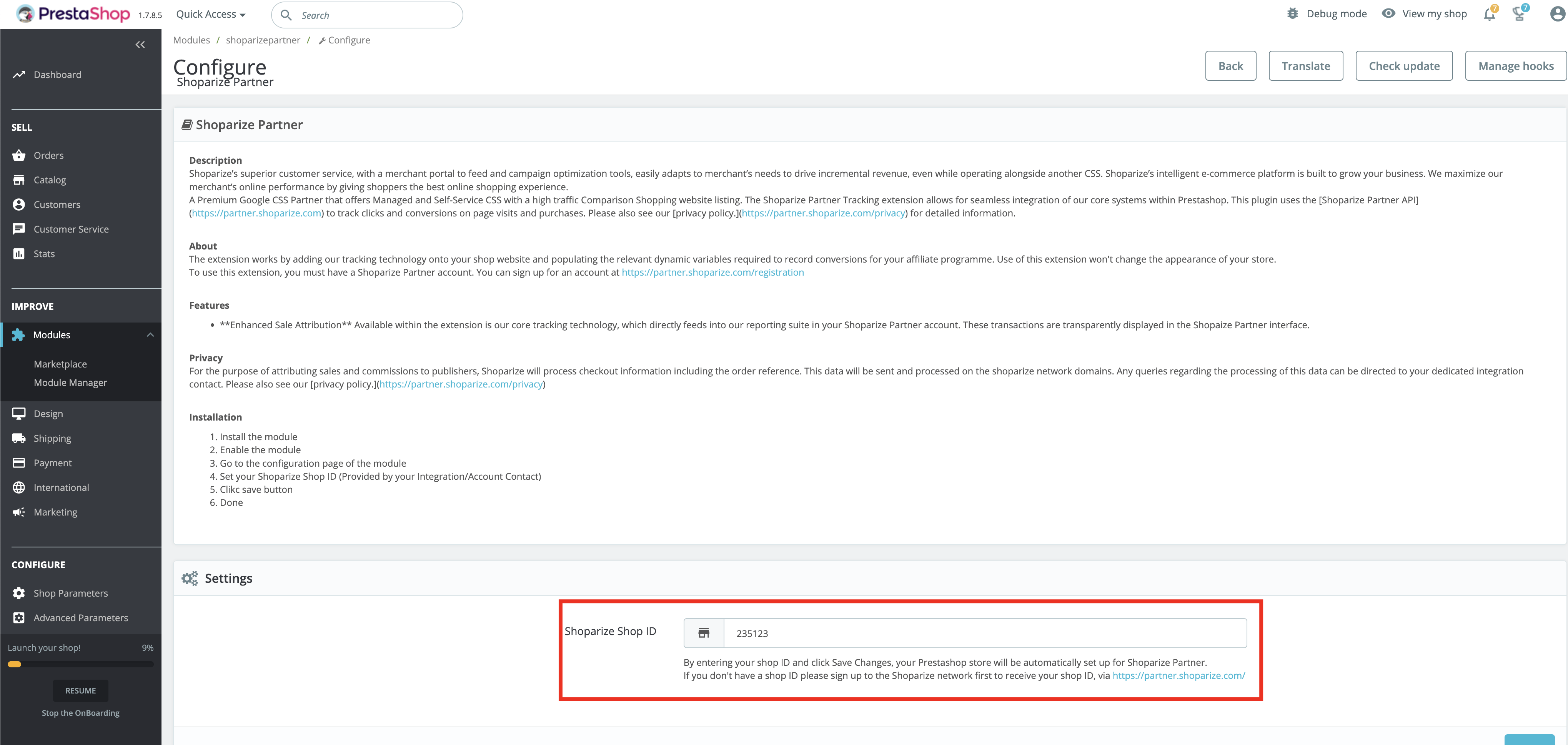
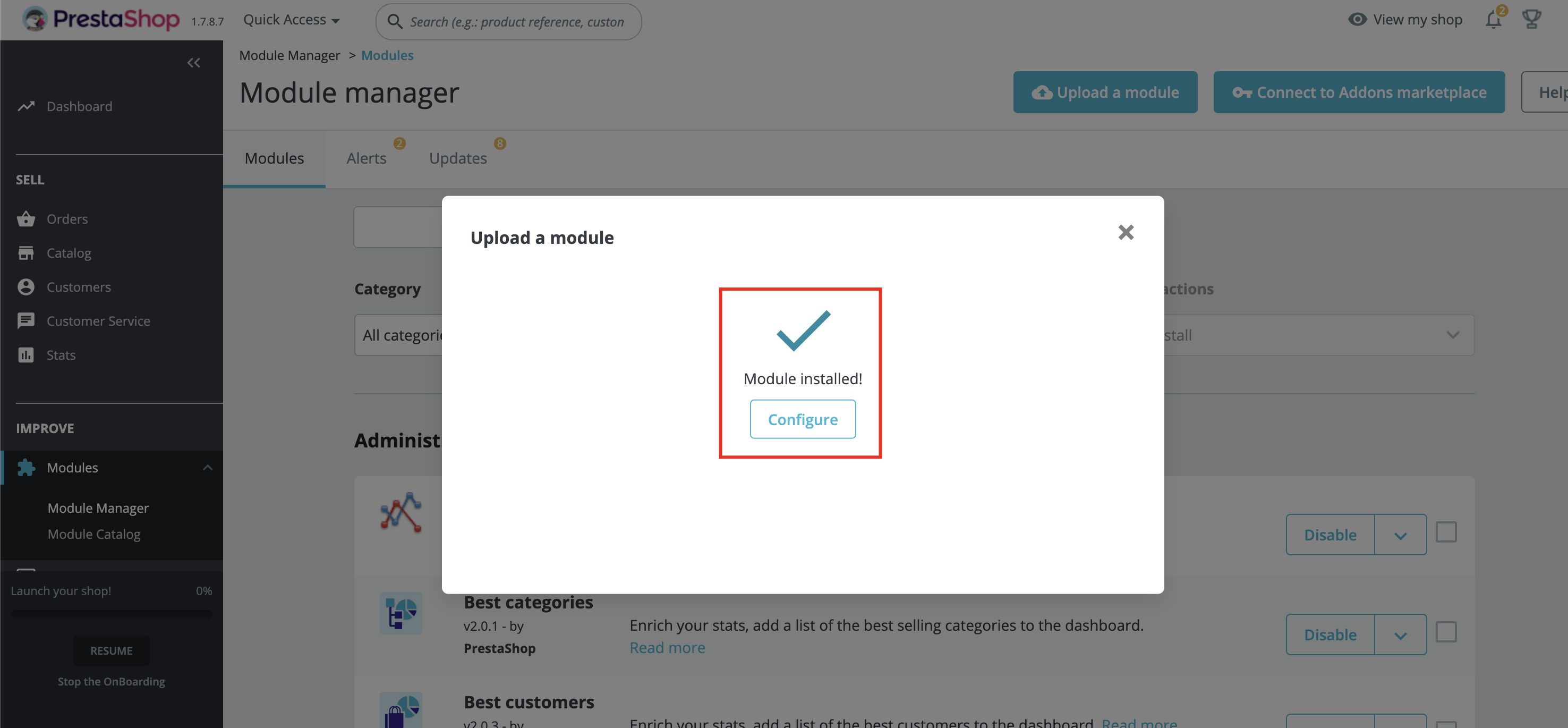
6. Klik op de knop Configure in de pop-up of klik op de knop Configure op de modulebeheerpagina
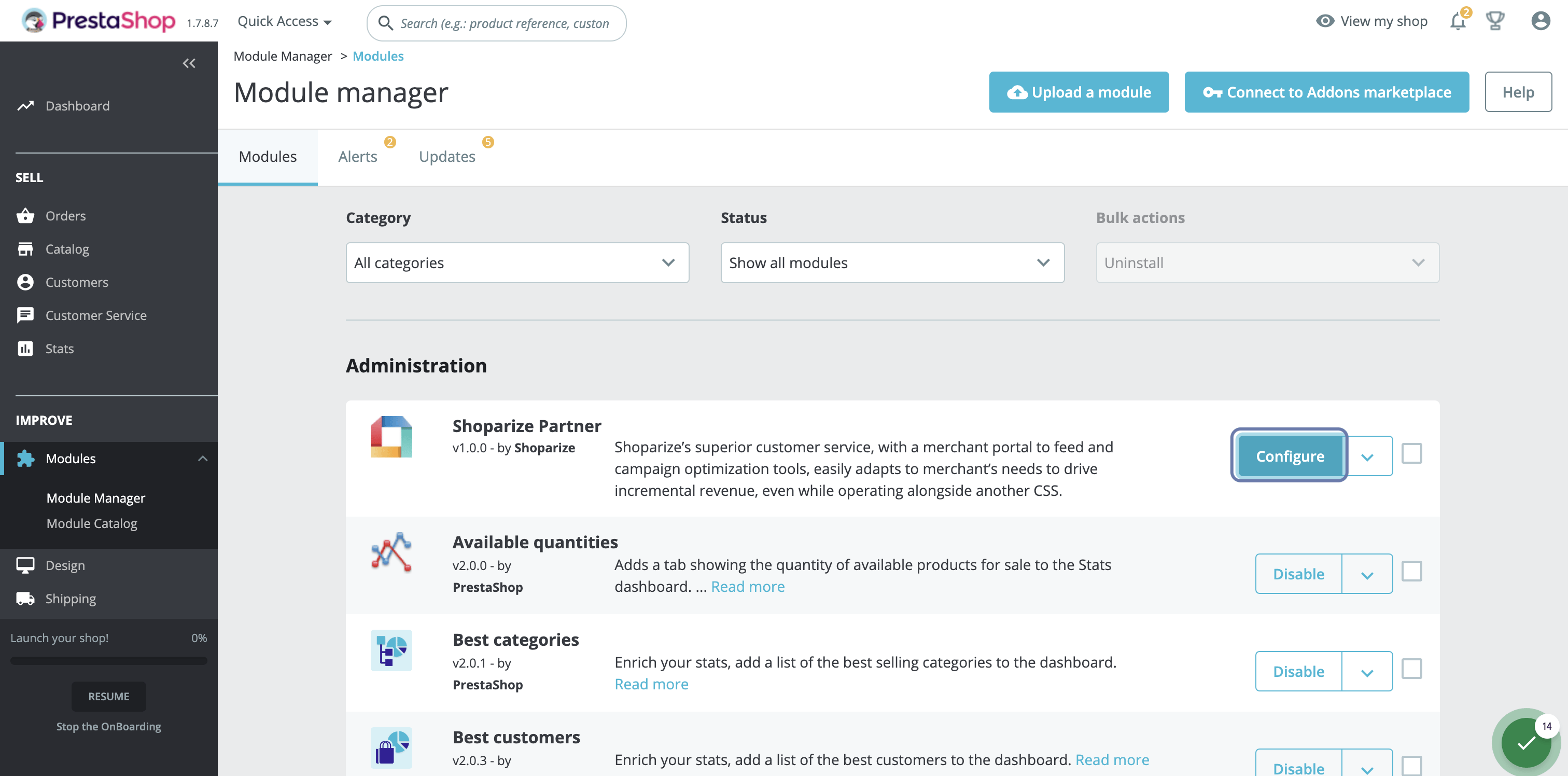
7. Voer je Shoparize Partner Shop ID in en klik op Opslaan